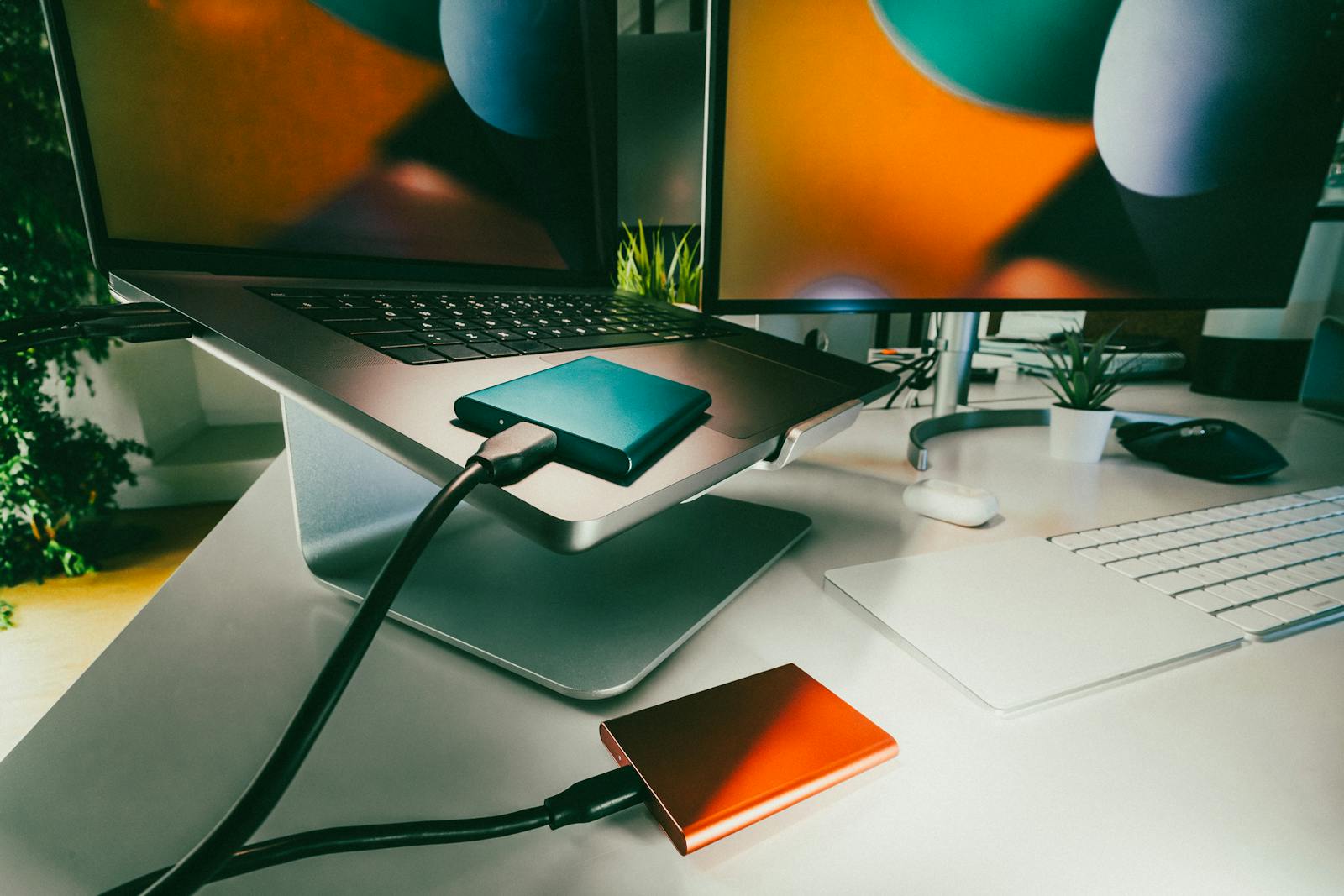
External hard disks are essential tools for storing and backing up important data. Whether you’re a professional handling large files, a gamer storing extensive libraries, or simply looking to free up space on your device, an external hard disk provides a portable and secure solution. They allow users to transfer data across devices, create secure backups, and expand storage without modifying internal systems. External hard disks come in various sizes and speeds, catering to diverse needs like performance, portability, and affordability.
Buying Tips for External Hard Disks
- Storage Capacity:
- Casual Users: Choose 500GB to 1TB for basic backups and file storage.
- Professionals & Gamers: Opt for 2TB or more to accommodate larger files, games, and projects.
- Transfer Speed:
- Look for USB 3.0 or USB 3.1 for faster data transfer. USB 2.0 is slower and best avoided.
- Consider Thunderbolt or USB-C for even higher speeds, especially for media editing.
Buying Tips for External Hard Disks
When considering external hard disks, it’s important to know that not all drives deliver the same data transfer speeds. Traditional external hard drives (HDDs) are usually more affordable and offer plenty of storage, but their speeds are limited by moving mechanical parts. You can expect transfer rates typically in the range of 80–160MB/s, which is adequate for regular backups and general file storage.
In contrast, external solid-state drives (SSDs) use flash memory—no moving parts means significantly faster transfer rates. Most external SSDs offer speeds from 400MB/s to over 1000MB/s, making them ideal for moving large files, editing high-resolution media, or simply speeding up your workflow. SSDs are also more durable, as they better withstand shocks and drops, and operate quietly.
Keep in mind, the connection interface also plays a major role. USB 3.0, USB 3.2, USB-C, and Thunderbolt 3 or Thunderbolt 4 can further boost transfer rates—so pairing a fast SSD with a modern port delivers the best experience.
No products found.
- Durability:
- For frequent travellers or outdoor use, pick rugged, shockproof, and waterproof designs.
- Enclosure material (metal or sturdy plastic) affects durability and heat dissipation.
- Drive Type:
- HDD (Hard Disk Drive): Cost-effective, ideal for storing large files where speed isn’t critical. HDDs use magnetic storage and spinning disks (platters) to read and write data, which makes them great for those who need lots of space without breaking the bank..
- SSSD (Solid State Drive): Faster and more durable but typically more expensive. Ideal for professionals or those prioritizing speed. SSDs rely on flash memory (NAND chips) instead of moving parts, resulting in quicker data access, improved reliability, and quieter operation.
Choosing between an external HDD and SSD often comes down to whether you value maximum storage capacity at a lower price (HDD) or superior performance and durability (SSD). Gamers, creative professionals, and anyone needing portable, high-speed file access may find SSDs worth the investment, while HDDs remain a solid pick for bulk storage.
- HDD (Hard Disk Drive): Cost-effective, ideal for storing large files where speed isn’t critical. HDDs use magnetic storage and spinning disks (platters) to read and write data, which makes them great for those who need lots of space without breaking the bank..
- Compatibility:
- Ensure the drive supports your operating system (Windows, macOS, Linux).
- Check for compatibility with gaming consoles (PS5, Xbox, etc.) if needed.
- Portability:
- Consider 2.5-inch drives for easy portability.
- 3.5-inch drives often require external power and are better for stationary use.
- Security Features:
- Look for encryption support (hardware or software-based).
- Consider password protection for sensitive data.
- Brand & Warranty:
- Reliable brands like Western Digital, Seagate, Samsung, and SanDisk offer quality assurance and better warranties.
- Opt for drives with a minimum of a 2-year warranty for peace of mind.
Best Use Cases for External Hard Disks
- Personal Use: Back up family photos, videos, and documents.
- Professional Use: Store and transfer large files like videos, design projects, or databases.
- Gaming: Save and access large game files for consoles or PCs. Look for drives with fast data transfer speeds—such as those featuring USB 3.0 or Thunderbolt connectivity—to help ensure quick loading times and smooth gameplay, especially with today’s graphics-intensive titles. Whether you’re on PlayStation, Xbox, or PC, choosing a drive that matches your system’s compatibility will help keep your favorite games ready to play without delays..
- Media Enthusiasts: Organize and manage large media libraries, including 4K videos and high-resolution photos.
No products found.
Disclosure: As an Amazon Associate, Virtual Studio earns from qualifying purchases. This comes at no additional cost to you and helps support our work.