


Live Streaming Service Near Me – 2026 Buyer’s Guide

You searched “live streaming service near me.” You want a provider that shows up, makes the tech invisible, and protects your brand when the red light turns on. This guide delivers exactly what decision-makers ask for: pricing signals you can trust, platform choices that match goals, internet math that prevents frame drops, and a vendor checklist you can paste into your RFP.

When scale, precision, brand experience, and business impact matter, leaders choose Virtual Studio – because excellence isn’t optional on show day; it’s the baseline.

What “live streaming service near me” means now

Service models

  • DIY software studio  –  Browser-based tools or free software (e.g., OBS) for simple shows with minimal crew.
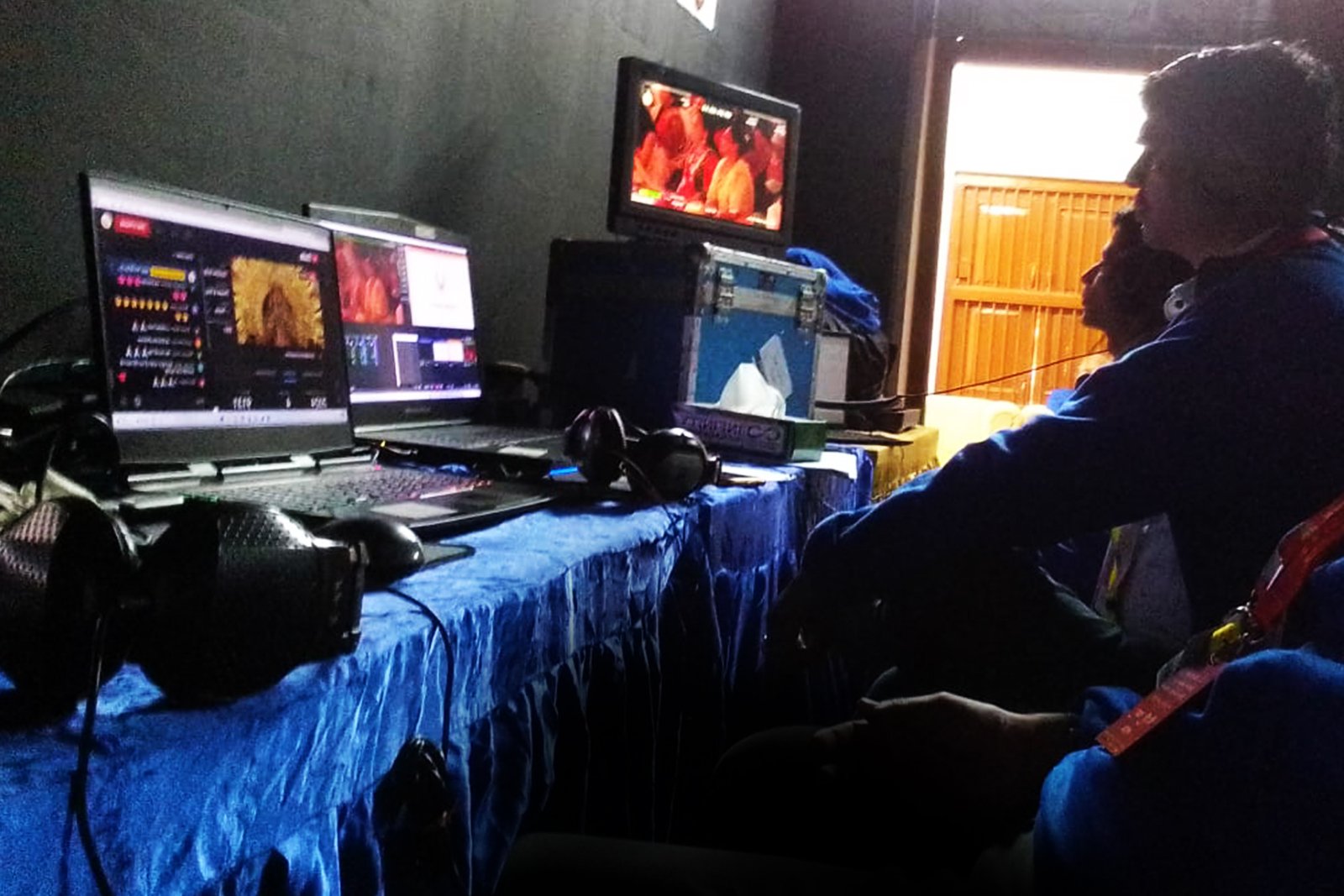
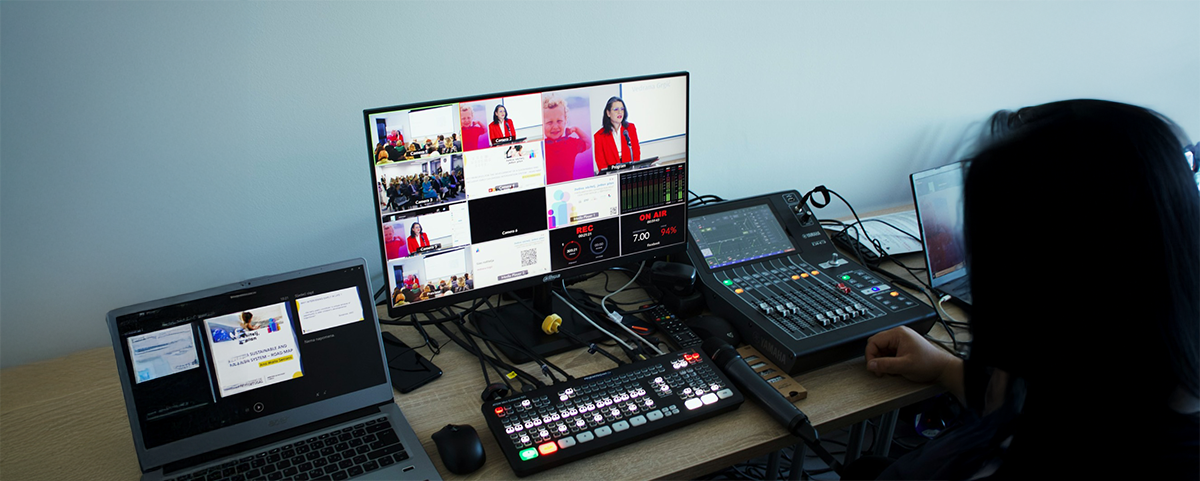
  • Managed remote production  –  A remote technical team switches your feeds, adds graphics, and distributes to destinations, with on-site camera/audio handled locally.
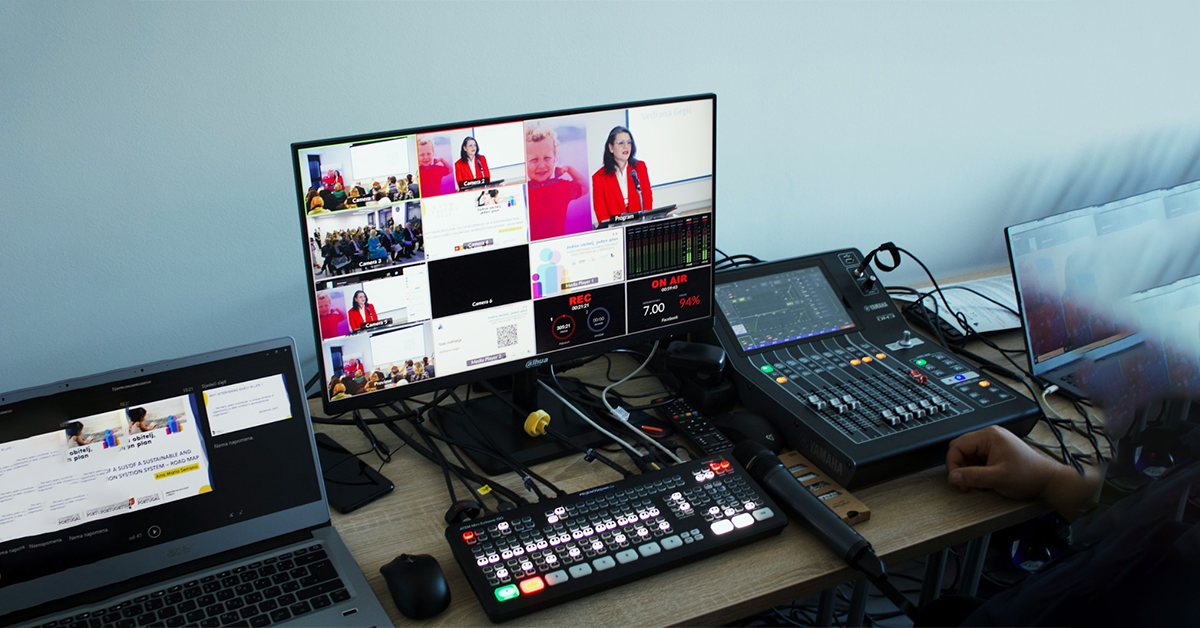
  • On-site production crew  –  Multi-camera, comms, graphics op, hardware encoders, and bonded 4G/5G backup for business-critical events.
  • Full hybrid event production  –  Stage + online audience, platform integration, registration, sponsor zones, and analytics.

Deliverables to expect

  • Program feed in 1080p, simulcast to multiple destinations, ISO recordings, VOD turnaround, highlight reels, and basic analytics.
  • For controlled access, Vimeo Enterprise provides enterprise privacy, SSO, domain restrictions, and eCDN for internal viewing.

How to choose a live streaming service near me

Define outcomes first

Decide what “winning” looks like: reach, registrations, lead volume, internal alignment, investor relations, or revenue. Your goals drive platform choice, crew size, and spend.

Technical scope

  • Cameras:
    • 1–2 cameras for simple talks; 3–5 or PTZ for panels, demos, and stage coverage.
  • Audio:
    • Dedicated mixer, presenter lavs, handheld for Q&A, audience mics; comms/IFB for stage direction.
  • Graphics:
    • Lower-thirds, countdowns, stingers, sponsor bugs, interstitials.
  • Encoders & transport:
    • Hardware encoders (rack or portable) for resilience; software with capture cards for flexibility.
    • RTMP(S) is widely supported; SRT offers stronger resilience and lower latency on unstable networks. Use SRT for long-haul or flaky circuits, keep RTMP(s) for mainstream ingest.

Platform strategy

  • Open social for reach: YouTube for discoverability and DVR; LinkedIn Live for B2B audiences with partner-integrated workflows.
  • Gated/professional: Vimeo Enterprise when you need privacy, SSO, domain restrictions, or internal eCDN.
  • Studio layer for remote guests: Browser-based studios can simplify guest onboarding and multistreaming.

Internet & redundancy

  • Wire in. Wi-Fi is a last resort.
  • Pick a video bitrate that matches your platform target (e.g., 1080p60 often ~6–9 Mbps), then plan headroom so your upload capacity comfortably exceeds the stream. A common rule: ~2× the chosen bitrate or at least 20–30% buffer. Bonded 4G/5G adds insurance.

Security & compliance

  • Password or token protection, SSO, domain-restricted embeds, watermarking, and retention policies are table-stakes for enterprise events; confirm your provider supports them.

Accessibility & localization

  • Real-time captions, post-event subtitles, sign-language picture-in-picture, and multi-language audio (SAP) expand reach and compliance.

Project management & creative

  • Expect a producer, technical director, graphics operator, audio lead, and showcaller for multi-camera shows. Build a precise Run of Show with timestamps, cues, and roles.

Pricing benchmarks in 2025

Every event is different, but public references give credible ballparks:

  • Single-camera professional stream: commonly $700–$2,500 USD.
  • Multi-camera with producer + ops: typically $1,800–$6,000+ USD, rising with graphics, translation, remote guests, travel, or union venues.
  • Virtual event stacks (webinar to multi-day virtual conference) show wide ranges depending on scope and platform: ~$2,500–$150,000+.
  • Generalized tiering from industry articles: DIY hundreds; staffed productions $1,000–$5,000; larger team $5,000–$25,000+.

What drives cost

  • Up: more cameras/operators, live graphics package, stage lighting, multi-language audio, remote guest management, venue patching, bonded data.
  • Down: fewer crew, remote switching, prebuilt graphics, single destination, using venue stage/PA.

Pro move: request an itemized estimate – setup, rehearsal, show day, travel, post-production, contingency overtime – so you can compare apples to apples.

Local vs remote vs full hybrid - which model fits

ModelBest forProsWatch-outs
Local on-site providerExecutive town halls, launches, pressersFast response, venue familiarity, rental access, hands-on riggingHigher on-site crew cost; travel if outside metro
Managed remote productionWebinars, internal comms, expert talksCost-efficient, flexible schedules, light logisticsDependent on local uplink quality; limited camera moves
Full hybrid productionConferences, AGMs, multi-track eventsEnd-to-end attendee experience, sponsor ROI, platform opsLargest scope/budget; more stakeholders

The must-ask vendor questions (copy-paste)

Use this checklist in your RFP/email:

  1. Internet plan: What tested upload can you guarantee? What’s the backup path (bonded 4G/5G, second ISP)? What bitrate do you target for 1080p? (Expect ~6–9 Mbps video + headroom.)
  2. Redundancy: Dual encoders? Program + ISO recordings? UPS on critical gear?
  3. Protocols: RTMP(S) vs SRT – what’s your decision rule, and how do you monitor latency/packet loss?
  4. Graphics & branding: Who builds lower-thirds, countdowns, slates, stingers?
  5. Run of Show: Will a producer/showcaller lead cues? Comms/IFB/tally in place?
  6. Accessibility: Live captions? Multi-language audio?
  7. Security: Password/domain whitelisting, SSO, watermarking, data retention.
  8. Analytics: Watch time, peak concurrency, retention, geo, leads.
  9. Rehearsal: Tech check + full run-through the day before?

SLA: Response times, escalation, insurance.

Internet requirements (and why Wi-Fi isn’t enough)

Think in two numbers: the bitrate you intend to stream and the upload speed you can reliably sustain on site. For a clean 1080p stream, mainstream guidance points to several Mbps of video bitrate; YouTube’s help articles outline encoder settings and live control room guidance. Use Ethernet and leave headroom (ideally up to 2×) over your bitrate to absorb jitter and contention.

Protocol choice matters:

  • RTMP(S) is ubiquitous and simple.
  • SRT adapts to changing network conditions, includes encryption by default, and tends to deliver lower latency and greater resilience on unpredictable networks.

Streaming destinations: where your audience actually watches

  • YouTube: Public reach, embeds, DVR, and robust encoder guidance.
  • LinkedIn Live: The B2B venue; go live via preferred partners or custom RTMP in five steps.
  • Vimeo Enterprise: Privacy, SSO, domain-level control, and eCDN for internal town halls without crushing corporate networks.

Studio layer & multistreaming: Browser studios simplify guest onboarding and simulcasting to multiple platforms.

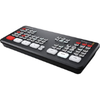
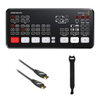
Blackmagic Design ATEM Mini Pro HDMI Live Stream

Use cases & mini-playbooks

Town halls & AGMs

  • Gated access (SSO), moderated Q&A, and analytics for attendance verification. eCDN is valuable to protect WAN capacity.

Product launches & press briefings

  • Multi-destination simulcast, slates and countdowns, press kit microsite, and post-event highlight edits for PR.

Webinars & virtual classrooms

  • Browser studio for remote guests, segment times for live demos, enforce consent recording, and schedule VOD follow-ups.

Conferences & hybrid keynotes

  • Split feeds: IMAG for the room, “program” for the stream. Remote speaker intake via SRT/RTMP; platform operations for agendas, sponsors, and networking.

A production workflow that doesn’t fail

Town halls & AGMs

  • Gated access (SSO), moderated Q&A, and analytics for attendance verification. eCDN is valuable to protect WAN capacity.

Product launches & press briefings

  • Multi-destination simulcast, slates and countdowns, press kit microsite, and post-event highlight edits for PR.

Webinars & virtual classrooms

  • Browser studio for remote guests, segment times for live demos, enforce consent recording, and schedule VOD follow-ups.

Conferences & hybrid keynotes

  • Split feeds: IMAG for the room, “program” for the stream. Remote speaker intake via SRT/RTMP; platform operations for agendas, sponsors, and networking.

Gear snapshot

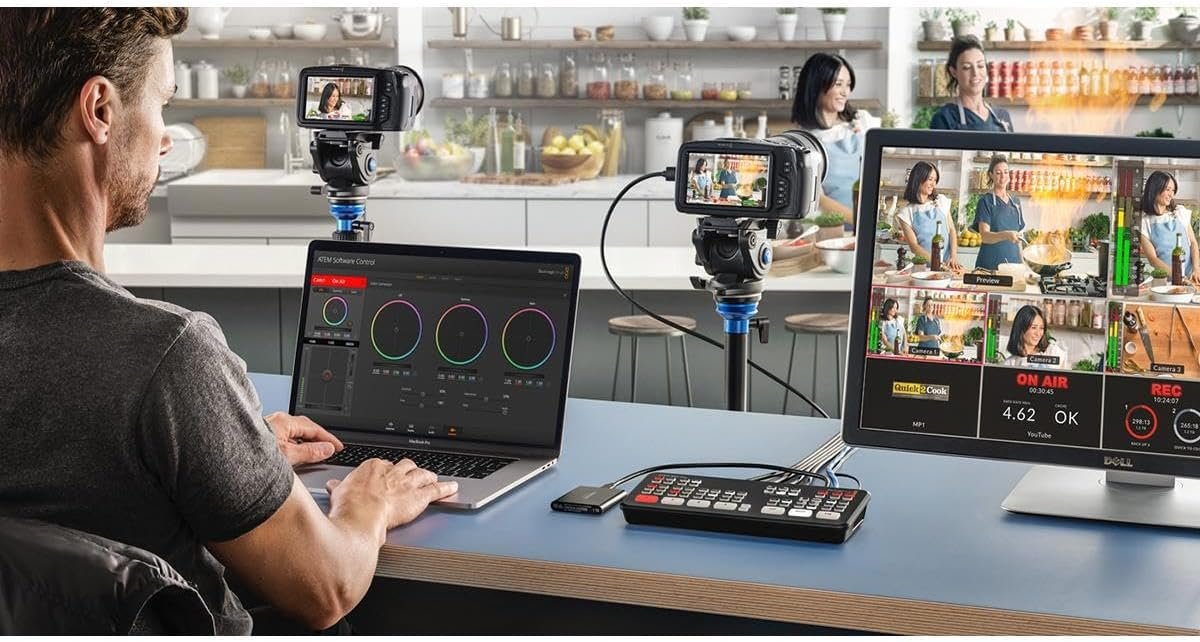
Prefer to hire a provider (smart). But understanding the stack helps you vet quotes. Below are common building blocks your vendor may use or offer equivalents.

livestreaming3

Switcher/encoder (all-in-one): Blackmagic ATEM Mini Pro  –  reliable 1080p switching + streaming.


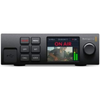
Rack encoder: Blackmagic Web Presenter HD  –  robust RTMP streaming with SDI I/O.

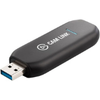
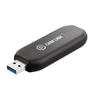
Capture for laptops: Elgato Cam Link 4K or Magewell USB Capture HDMI  –  ingest camera into software studios.

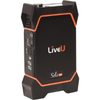
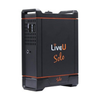
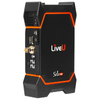
Bonded cellular encoder: LiveU Solo Pro  –  4G/5G multi-SIM bonding as failover.

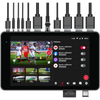
Portable studio: YoloBox Pro  –  touchscreen switcher/stream/record in one unit.

Quick picks summary (why these): These devices are widely used in professional workflows to deliver stable 1080p streams, simplify ingest, and add cellular redundancy. They map to real-world setups most service providers deploy or can rent locally.

Why location still matters

  • Site surveys: On-site tests validate patch points, power, acoustics, and lighting.
  • Last-mile realities: Fiber availability, venue IT policies, firewalls, and RF noise vary by building.
  • Rapid response: Spare gear and local rental networks save shows.
  • Staffing: Larger shows need camera ops, audio techs, graphics op, and a showcaller who knows the venue flow.

Why organizations pick Virtual Studio

Virtual Studio handles the unglamorous details that protect your brand: thorough pre-production, redundant encoders and uplinks, platform-agnostic distribution (YouTube, LinkedIn, Vimeo Enterprise), and accessible streams with captions and multilingual audio. For hybrid events, we blend stagecraft with broadcast precision – so your in-room energy translates online. When excellence is non-negotiable, teams choose Virtual Studio.

Explore: Live Streaming Hybrid Events Webinars

FAQ

1) How much does it cost to live stream an event?
Typical ballparks: single-camera $700–$2,500, multi-camera $1,800–$6,000+. Platform-heavy virtual events or multi-day hybrids push higher depending on scope.

2) What equipment is needed to live stream an event?
At minimum: camera(s), audio mixer + mics, a switcher/encoder (hardware or software + capture), reliable wired internet, and backups (recordings, power, failover).

3) What upload speed do I need?
Match bitrate to platform guidance and budget headroom. A common rule is up to 2× your chosen bitrate or at least 20–30% buffer; use Ethernet and avoid Wi-Fi.

4) RTMP or SRT – what should I use?
RTMP(S) is universal; SRT is more resilient and lower-latency on shaky networks and includes encryption. Many providers keep both ready and choose per site.

5) Which platform is best for corporate streams?
Public reach: YouTube. B2B events: LinkedIn Live. Controlled access/SSO: Vimeo Enterprise with eCDN for internal audiences. Your goals decide.

6) Do I really need a rehearsal?
Yes. Rehearsals find audio routing issues, presenter device problems, and graphics timing before they’re public.

7) Can a provider outside my city still work?
Often, yes – especially for remote production or if they subcontract local crew. For complex venues, a local partner accelerates on-site problem-solving.

8) How early should I book?
Simple webinars: 2–3 weeks. Multi-camera/hybrid: 4–8+ weeks (venues and interpreters book early).

Final checklist & next steps

Decision tree

  • Need public reach? → YouTube + social simulcast.
  • Need controlled access/SSO? → Vimeo Enterprise or event stack.
  • Venue internet uncertain? → Bonded 4G/5G and keep an SRT path ready.
  • Complex multi-camera show? → On-site crew + showcaller; plan rehearsal and ISOs.

Copy-paste RFP checklist (short form)

  • Dates, city, venue contact, rehearsal window
  • Destinations (YouTube/LinkedIn/Vimeo), public or gated
  • Cameras (#), graphics package, lower-thirds style guide
  • Audio inputs (lavs/handhelds), IFB/comms needs
  • Internet: wired uplink details; request bonded 4G/5G backup
  • Accessibility: live captions, multi-language audio
  • Security: password/domain restrict/SSO, watermarking
  • Deliverables: program + ISOs, VOD turnaround, analytics
  • SLA: support window, escalation, insurance, liability

Talk to us for your next event at Virtual Studio (vsworld.com).

Disclaimer: All prices are estimated as of January 2026. Actual prices may vary based on region, seller, availability, and ongoing offers. Click the Buy Now button to view the latest price.

Facebook
Twitter
Pinterest
LinkedIn

Leave a Comment

Your email address will not be published. Required fields are marked *

On Key

Related Posts