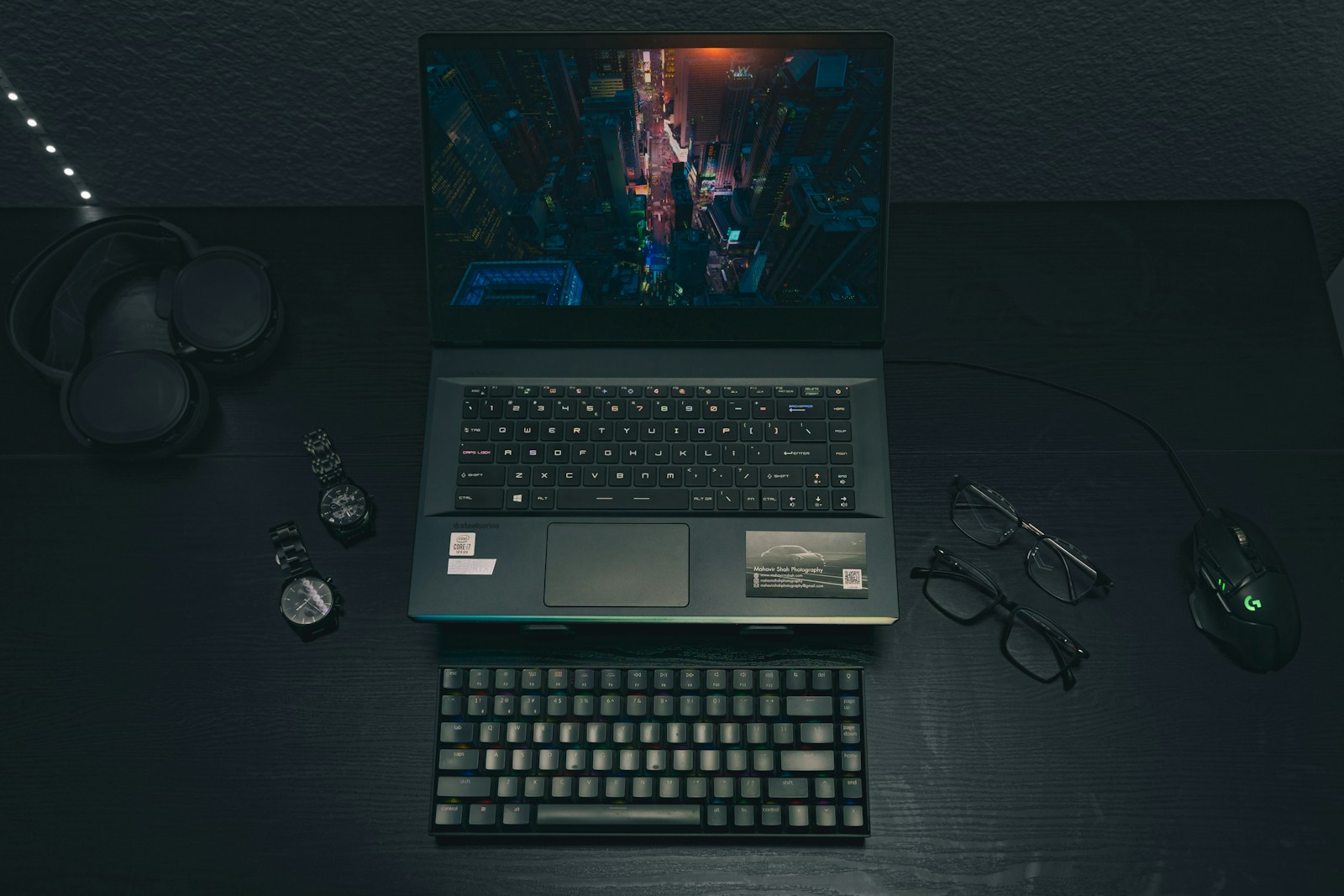
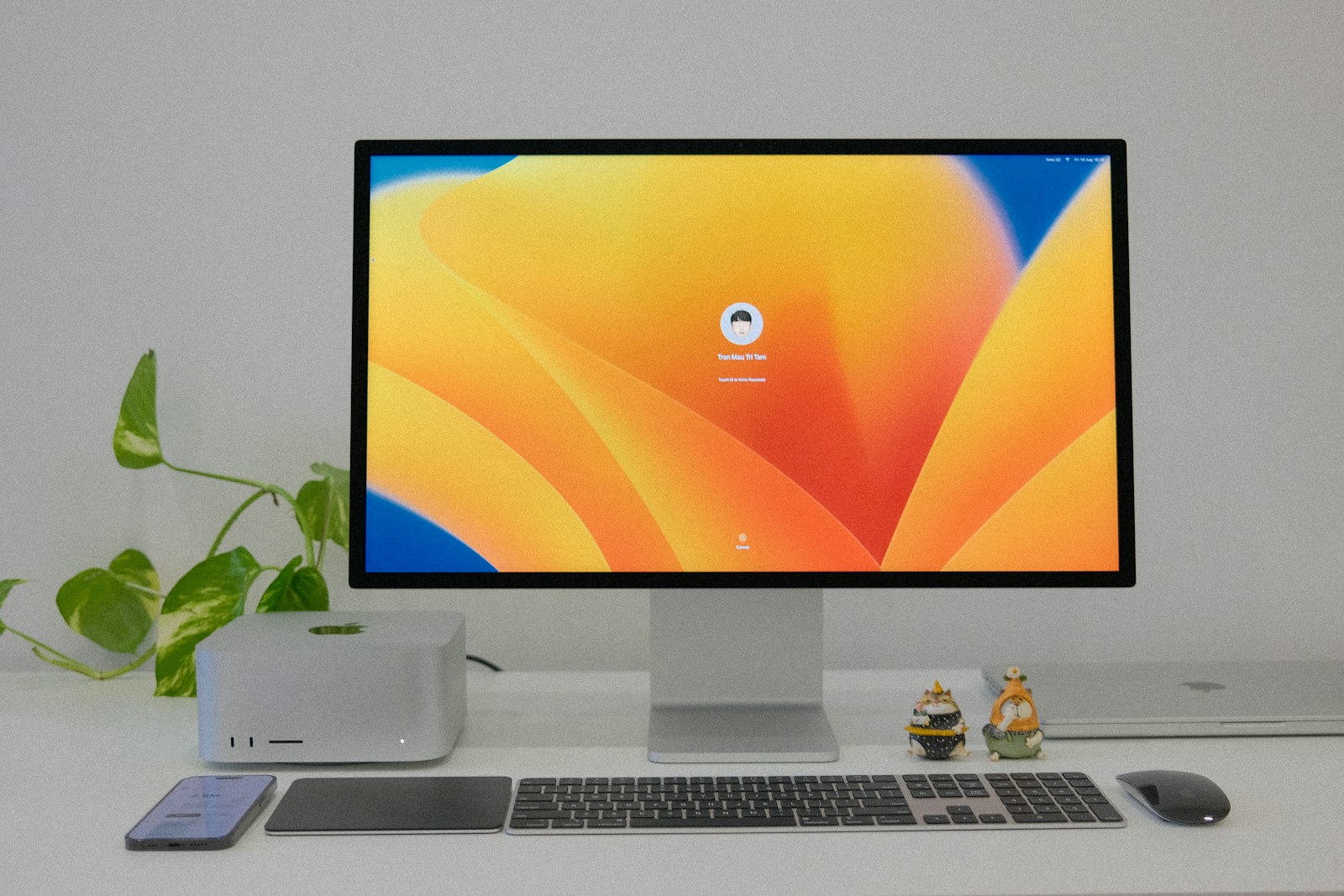
All-in-One PCs (AIO PCs) have become a popular choice for users who want a sleek, space-saving design without compromising on performance. Combining the monitor and CPU into a single unit, these devices are perfect for home, office, or creative setups. In this blog, we’ll explore everything you need to know about All-in-One PCs, their features, pros, cons, and top recommendations.
What is an All-in-One PC?
An All-in-One PC is a desktop computer that integrates the components of a traditional CPU into the back of the monitor. These systems are designed to save space and reduce clutter while offering the performance needed for everyday tasks, gaming, or professional work.
Why Choose an All-in-One PC?
- Space-Saving Design:
- Ideal for small desks or minimalist setups.
- No need for a separate CPU tower, reducing cable clutter.
- Powerful Performance:
- Equipped with high-performance processors and GPUs.
- Suitable for multitasking, video editing, and even gaming.
- Aesthetic Appeal:
- Sleek and modern designs that blend well in home or office settings.
- Ease of Setup:
- Fewer cables and components make setup simple and hassle-free.
- Touchscreen Options:
- Many models come with touchscreen displays for enhanced interactivity.
- Built-in Peripherals:
- Integrated webcam, speakers, and microphones for added convenience.
Key Features to Look for in an All-in-One PC
- Display Quality:
- Full HD or 4K resolution for crisp visuals.
- Larger screens (24 to 32 inches) enhance productivity and entertainment.
- Processor:
- Intel Core i5/i7 or AMD Ryzen for performance.
- Choose higher-end models for tasks like video editing or gaming.
- Graphics:
- Integrated graphics for basic tasks.
- Dedicated GPUs like NVIDIA or AMD for gaming or creative work.
- Storage and RAM:
- SSDs for faster boot times (256GB or more recommended).
- 8GB RAM for everyday use, 16GB+ for heavy multitasking.
- Ports and Connectivity:
- USB-C, HDMI, and SD card slots for versatility.
- Wi-Fi 6 and Bluetooth for fast wireless connections.
- Operating System:
- Windows, macOS, or ChromeOS depending on your preferences.
Who Should Buy an All-in-One PC?
- Home Users:
- Perfect for browsing, streaming, and light office work.
- Professionals:
- Great for multitasking and creative work like video or photo editing.
- Gamers:
- Higher-end models with dedicated GPUs can handle gaming.
- Families:
- Compact and easy-to-use systems for shared home use.
Pros and Cons of All-in-One PCs
Pros:
- Space-saving, clutter-free design.
- Easy to set up and use.
- Stylish and modern aesthetic.
- Integrated peripherals for convenience.
Cons:
- Limited upgradability compared to traditional desktops.
- Higher cost for similar performance.
- Repairs can be more expensive if components fail.
Best-Selling All-in-One PCs to Consider
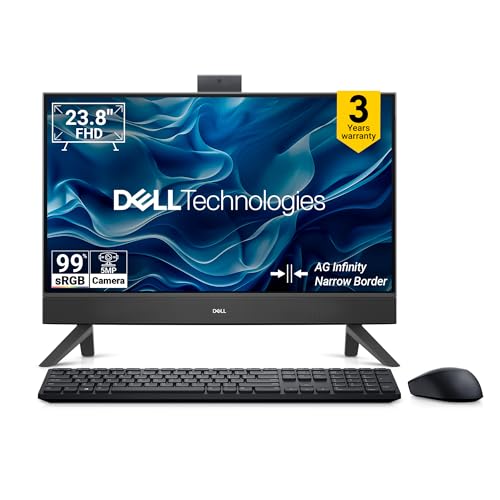
- Maximise productivity: Work efficiently and multitask with up to Intel Core 3 processors, 8GB DDR5 memory and 512GB SSD
- Immersive Visuals: Enjoy vivid, true-to-life colors on the large, FHD IPS display features 99% sRGB, perfect for working, learning or streaming
- Connect a second monitor or separate PC with HDMI-in/HDMI-out ports and connect multiple accessories with five USB ports
- Picture Perfect: Look your best, even in challenging lighting conditions, thanks to HDR technology on the 5MP IR camera. Adjust the tilt from 0 to 20 degrees for the perfect angle
- For privacy, simply push the pop-up camera down to hide it
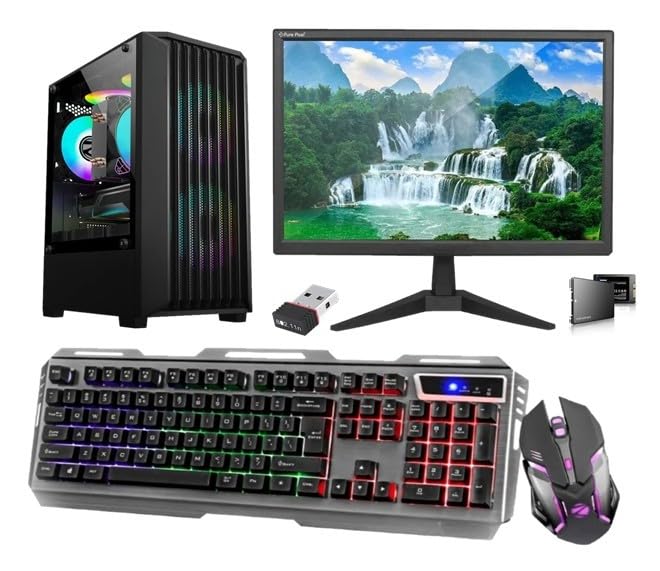
- Powerful Performance: Equipped with an Core i7 4th Gen processor, 16 GB RAM, and storage 128 GB SSD, this desktop delivers smooth multitasking and rapid boot-up times.
- Vibrant Display: The 19-inch HD LED monitor with a 1600 x 900 resolution offers crisp visuals and vivid colours for an immersive viewing experience.
- Responsive Gaming: The RGB backlit keyboard and gaming mouse with adjustable DPI provide precise control and a dynamic lighting effect for enhanced gameplay.
- Seamless Connectivity: Stay connected with built-in WiFi and multiple USB ports for hassle-free data transfer and peripheral connectivity.
- Complete Package: This all-in-one desktop set includes a powerful CPU, vibrant monitor, gaming keyboard and mouse, and comes pre-installed with Windows 10 and Microsoft Office.
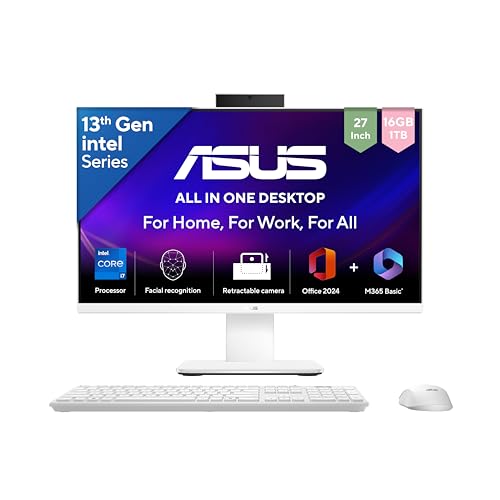
- Processor : Intel Core i7-13620H Processor 2.4 GHz (24MB Cache, up to 4.9 GHz, 10 cores, 16 Threads)
- Display : 27.0-inch, FHD (1920 x 1080) 16:9, 300nits Brightness, 100Hz Refresh Rate, Anti-glare display
- 【Software : Microsoft 365 Basic with 100GB Cloud Storage for 1 Year + Office Home 2024 with lifetime validity | Operating System : Windows 11 Home】
- Memory : DDR5 16GB RAM, Storage : 1TB M.2 NVMe PCIe 4.0 SSD
- Camera : Retractable 1080p HD Camera | Graphics : Integrated Intel UHD Graphics
All-in-One PCs vs Traditional Desktops
| Feature | All-in-One PC | Traditional Desktop |
| Design | Compact and stylish. | Bulky, with multiple components. |
| Performance | High-end models available. | Generally more powerful and customizable. |
| Upgradability | Limited upgrade options. | Highly customizable. |
| Setup | Easy and quick. | Requires more time and space. |
| Price | Generally higher for similar specs. | Budget-friendly options available. |
Conclusion
All-in-One PCs are an excellent choice for users who want a sleek, stylish, and powerful computing solution without the bulk of traditional desktops. Whether you’re working, gaming, or simply browsing the web, there’s an AIO PC to suit your needs. While they may lack the upgradability of traditional PCs, their convenience and design make them a worthy investment for many.
Disclosure: As an Amazon Associate, Virtual Studio earns from qualifying purchases. This comes at no additional cost to you and helps support our work.