Introduction
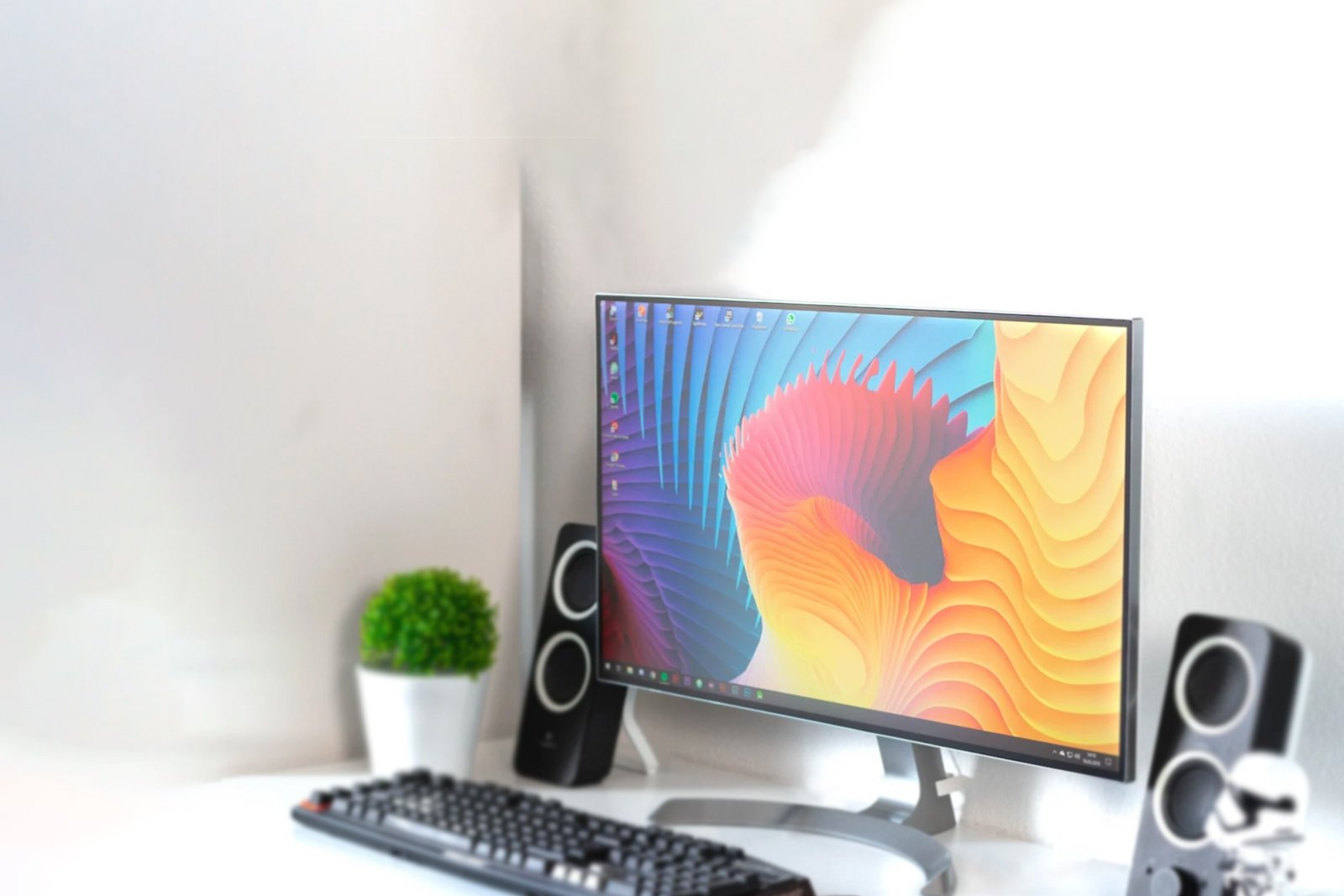
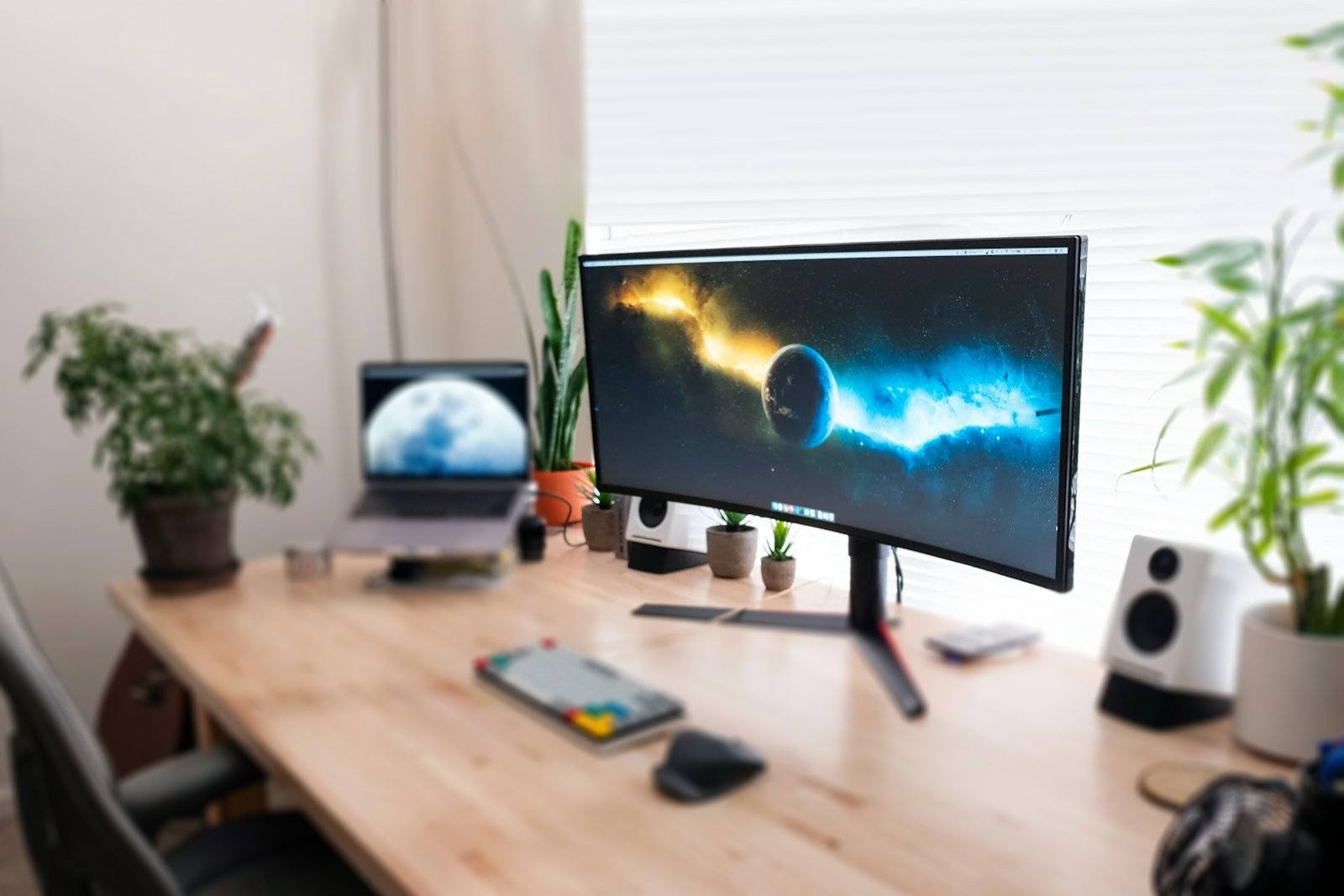
Curved monitors have gained immense popularity in recent years, offering a more immersive and comfortable viewing experience compared to traditional flat screens. Whether you’re a gamer, a professional working on creative tasks, or someone who enjoys high-quality visuals, a curved monitor can enhance your screen time significantly. In this guide, we’ll explore the benefits of curved monitors, key features to look for, and top recommendations.
Why Choose a Curved Monitor?
Curved monitors provide a unique visual experience by wrapping the display around your field of view, creating a sense of depth and immersion. Here are some key advantages:
1. Enhanced Immersion
- The curvature mimics the natural field of human vision, making the experience more engaging, especially in gaming and multimedia.
2. Reduced Eye Strain
- With a more natural viewing angle, curved screens reduce the need for excessive eye movement, leading to less fatigue during extended use.
3. Better Depth Perception
- The curved design provides a more realistic depth effect, making images appear more lifelike and three-dimensional.
4. Wider Field of View
- Unlike flat monitors, curved screens allow users to take in more of the display without straining their eyes or turning their heads frequently.
5. Minimized Glare and Reflections
- The curved design helps reduce reflections and glare, ensuring better visibility in well-lit environments.
Key Features to Consider When Buying a Curved Monitor
Before purchasing a curved monitor, it’s essential to consider these critical features:
1. Screen Curvature (R-Rating)
- The curvature is measured in ‘R’ (radius), with common ratings like 1800R, 1500R, and 1000R. A lower number means a deeper curve, which increases immersion.
2. Screen Size and Resolution
- Larger screens (27″ and above) with high resolution (1440p or 4K) deliver the best experience.
- For gaming, ultrawide curved monitors (21:9 or 32:9 aspect ratios) offer an extended field of view.
3. Refresh Rate and Response Time
- For gaming, a higher refresh rate (144Hz or more) and low response time (1ms – 4ms) are ideal for smooth gameplay.
4. Panel Type
- VA panels offer deeper blacks and better contrast.
- IPS panels provide better color accuracy and viewing angles.
- OLED panels are premium choices for vibrant colors and infinite contrast.
5. Connectivity Options
Ensure the monitor has HDMI, DisplayPort, and USB-C for versatility with different devices.
Best Curved Monitors to Buy
Here are some of the top curved monitors available today:

- 34 Inch Samsung Curved Gaming Monitor – Ultra Wide QHD 3,440 x 1,440 Resolution
- Aspect Ratio: 21:9 | 178° Horizontal and Vertical Viewing Angle | Refresh Rate – 165 Hz | Color Support – 16.7M | Brightness (Typical) – 250 cd/㎡ | Response Time (ms)- 1 (MPRT)
- 1000R optimal curved screen | AMD FreeSync Premium | Truly realistic HDR | Eye Saver Mode & Flicker Free
- Additional Features: HDR10 | Picture-By-Picture | Screen Size Optimizer | Black Equalizer | Low Input Lag Mode | Refresh Rate Optimizor | Super Arena Gaming UX | Contrast Ratio (Static) 2500:1(Typ.) | Color Gamut (NTSC) 72% | Tilt -2 ~ 18 | Wall Mount Compatible
- Connectivity Options: Display Port, Display Port Version 1.4, HDMI, HDMI Version 2.0, Headphone Jack || 3-Year Warranty From Manufacturer
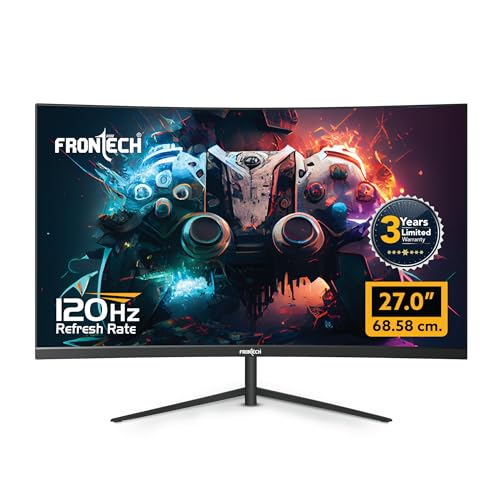
- 27-Inch Curved Display – Immersive 68.58 cm curved screen designed for gamers and creators, offering a wider field of view and enhanced depth.
- Smooth 120Hz Refresh Rate – Enjoy ultra-smooth gameplay and reduced motion blur for an exceptional viewing experience.
- Full HD 1080p Resolution (1920 x 1080) – Crisp, clear visuals with vibrant colour reproduction for gaming, movies, and productivity.
- RGB Backlit Design – Adds aesthetic flair to your gaming setup with customizable RGB light effects at the rear.
- Dual Input (HDMI & VGA) – Seamless connectivity with both modern and legacy devices; includes high-quality HDMI cable.

- 【WQHD 1500R Curvature】Exceptional WQHD (2560×1440) 27 Inch VA Panel Curved Display I 180Hz Refresh Rate, 1MS VRB I HDR 10 I Zero Frame Design I Wide 178 Degree View Angle
- 【180Hz Refresh Rate】Rapid 180Hz Fast Refresh Rate means that even when the action heats up, your gameplay will be smooth and lag-free I 【1MS VRB】for Faster Response time for for blur free gaming
- 【Connectivity Options】2 x HDMI (2.0) 1 x Display (1.2) Ports with Inbox HDMI Cable I Audio Out I Inbuilt 2W x 2 Stereo Speakers I VESA Wall Mount Support
- 【AMD Free Sync】Tecnnology Enable smooth gameplay, Eliminating screen tearing, Minimizing lag and latency I With FreeSync, the monitor’s frames are synced with the graphics card’s frames, which eliminates screen tearing and delivers very smooth gaming experiences.
- 【Acer VisionCare】Technology incorporates several features like Bluelight Shield, Flickerless, Comfyview to protect Eye from Harmful radiations
Conclusion
Curved monitors offer an enhanced and immersive visual experience, whether for gaming, professional work, or entertainment. With advanced features such as high refresh rates, ultra-wide displays, and ergonomic designs, they provide comfort and performance for various needs. When choosing a curved monitor, consider the screen size, curvature, resolution, and refresh rate to find the best fit for your requirements.
Upgrade your setup with a curved monitor today and experience a whole new level of visual enjoyment!
Disclosure: As an Amazon Associate, Virtual Studio earns from qualifying purchases. This comes at no additional cost to you and helps support our work.