Printers remain indispensable for homes, offices, and businesses. Whether it’s printing homework, photos, or professional documents, having the right printer can save time, reduce costs, and improve efficiency. With numerous options available, choosing the right one can be daunting. In this blog, we’ll guide you through the top printer categories, key features to consider, and the best picks for various needs.
Types of Printers
1. Inkjet Printers
- Best For: High-quality photo and document printing.
- Features:
- Exceptional colour accuracy for images.
- Ideal for low-to-medium volume printing.
- Compact and budget-friendly options available.
- Popular Models:
- HP DeskJet 3755: Compact, all-in-one design for home use.
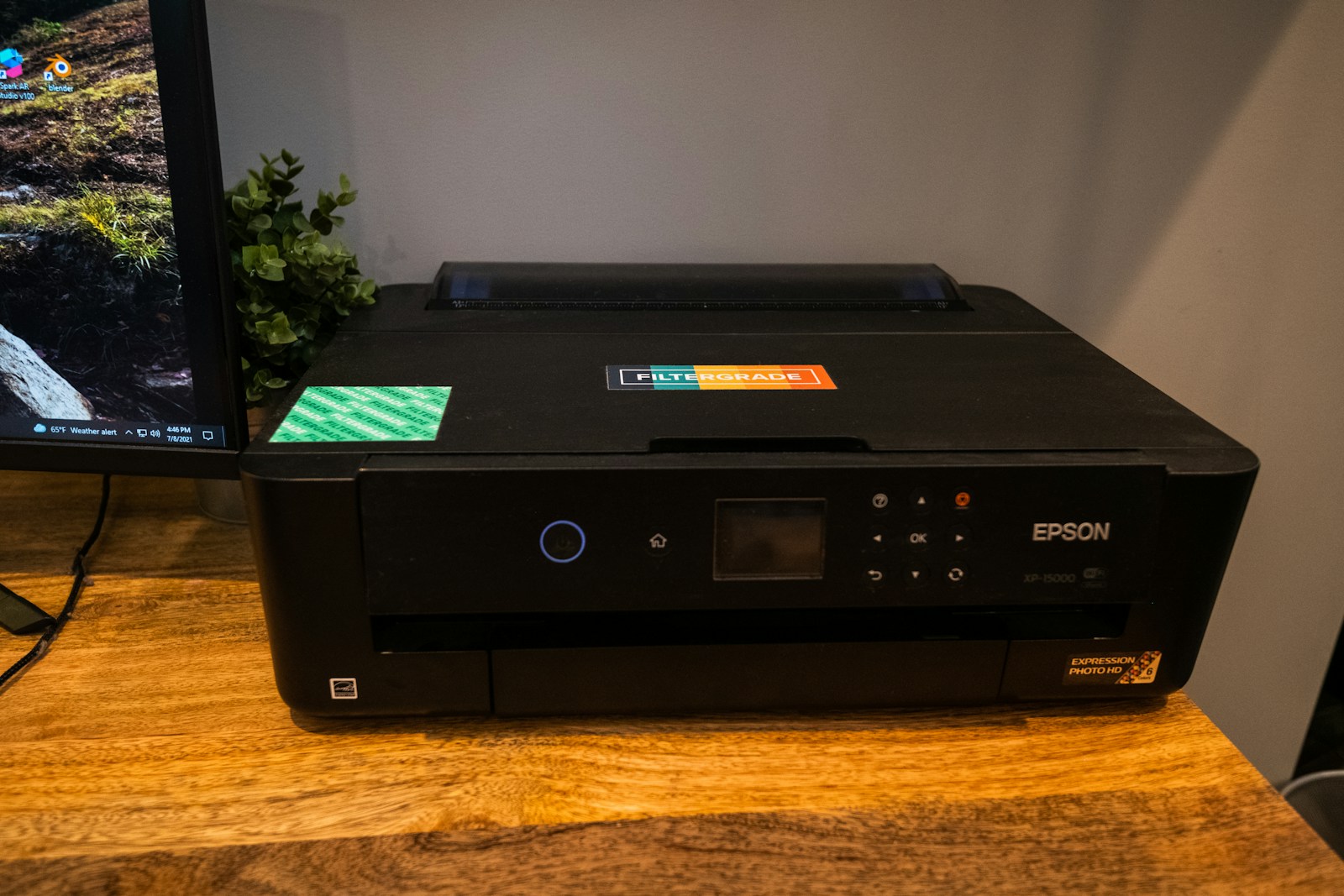
- Epson EcoTank ET-2800: Cost-effective with refillable ink tanks.
No products found.
2. Laser Printers
- Best For: High-volume and fast document printing.
- Features:
- Faster printing speeds than inkjets.
- Low cost per page.
- Sharp text quality.
- Popular Models:
- Brother HL-L2350DW: Monochrome laser printer with wireless capabilities.
- HP Color LaserJet Pro M255dw: Excellent for vibrant color printing.
No products found.
3. All-in-One Printers (AIO)
- Best For: Multifunctional needs (print, scan, copy, and fax).
- Features:
- Ideal for home offices and small businesses.
- Available in both inkjet and laser variants.
- Popular Models:
- Canon PIXMA TR8620: Excellent for photos and documents.
- Brother MFC-L2750DW: Fast, reliable, and packed with features.
No products found.
4. Photo Printers
- Best For: Professional and personal photo printing.
- Features:
- Optimised for high-resolution images.
- Supports a variety of photo paper sizes.
- Popular Models:
- Epson SureColor P700: Exceptional for photographers.
- Canon SELPHY CP1300: Portable and wireless for quick prints.
No products found.
5. Portable Printers
Best For: On-the-go printing.
Features:
Lightweight and compact design.
Battery-powered options available.
No products found.
Key Features to Consider When Buying a Printer
1. Printing Volume
- Determine how many pages you print monthly.
- Low Volume: Inkjet printers suffice.
- High Volume: Laser printers offer cost efficiency.
2. Connectivity Options
- USB, Wi-Fi, Ethernet, or Bluetooth connectivity.
- Look for cloud printing capabilities like Google Cloud Print or Apple AirPrint.
3. Running Costs
- Consider the cost of ink/toner replacements and page yields.
- Tip: EcoTank or Instant Ink subscription services can save money over time.
4. Duplex Printing
- Automatic double-sided printing saves paper and is eco-friendly.
5. Size and Space
- For tight spaces, compact models are ideal.
- Large offices may need heavy-duty machines.
6. Print Quality
- DPI (dots per inch) affects the clarity of prints.
- Photo Printing: Look for printers with high DPI and colour depth.
Best Selling Printer Recommendations
No products found.
Tips for Maintaining Your Printer
- Regular Cleaning: Prevents clogged nozzles and ensures consistent performance.
- Update Drivers: Keep printer software up to date for compatibility and security.
- Use Genuine Supplies: Third-party inks and toners can damage your printer.
- Calibrate Periodically: For photo printers, colour calibration ensures accuracy.
Conclusion
Printers are a valuable investment for personal and professional use. By understanding the different types, key features, and available options, you can select a printer that best suits your needs. Whether you need a compact printer for your dorm room or a heavy-duty machine for your business, the right choice can enhance productivity and convenience.
Disclosure: As an Amazon Associate, Virtual Studio earns from qualifying purchases. This comes at no additional cost to you and helps support our work.