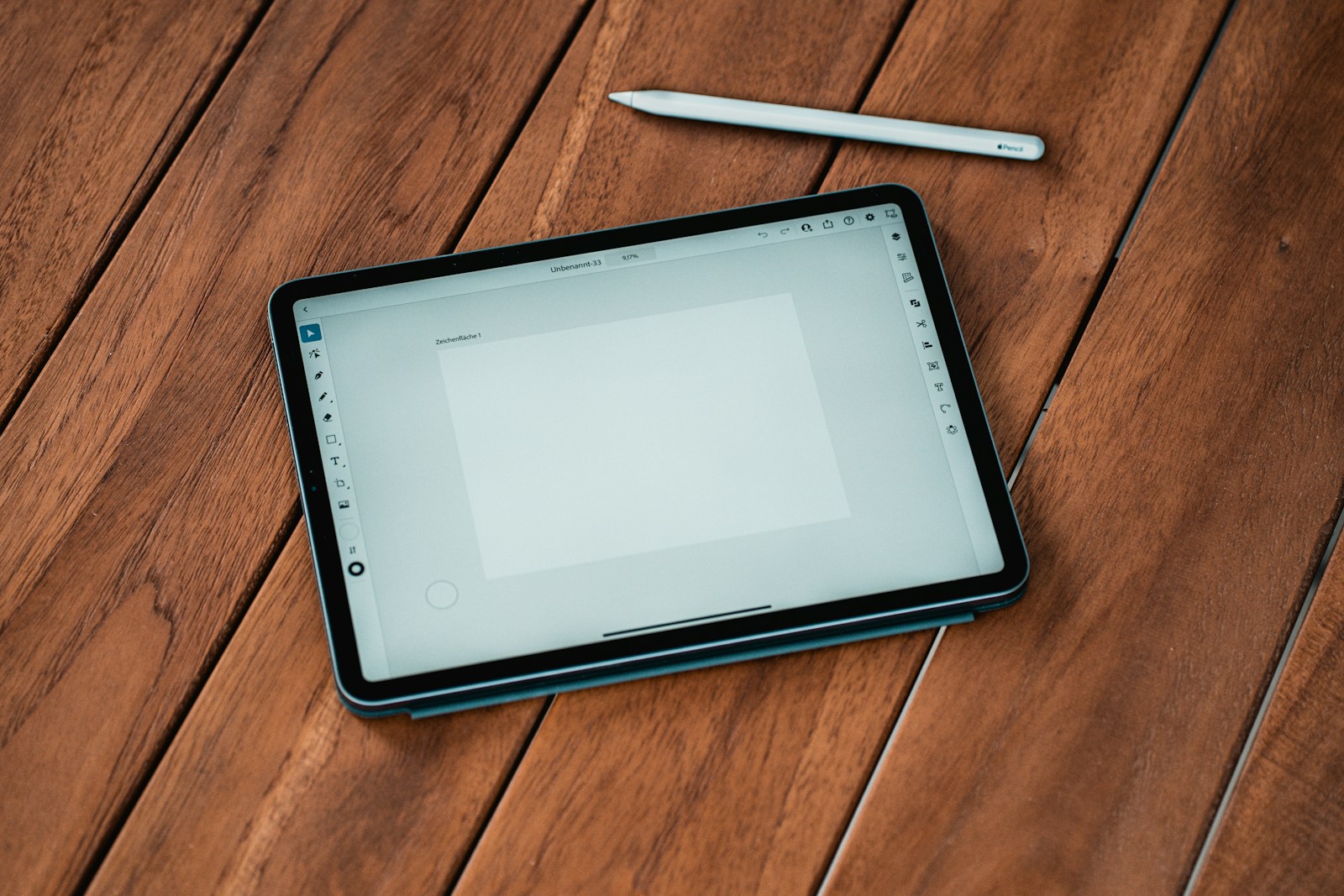
Tablets have become indispensable tools for work, entertainment, and creativity. With numerous options available, it’s easy to get overwhelmed when deciding which one is right for you. This guide focuses on the key factors to consider when buying a tablet, helping you make an informed decision that suits your needs and budget.
1. Purpose: Defining Your Use Case
The first step in choosing a tablet is understanding what you need it for:
- Productivity and Work:
Opt for tablets with keyboard and stylus support, such as those running on iPadOS or Windows. Look for features like multitasking, app compatibility, and strong performance. - Entertainment:
For video streaming and casual gaming, prioritize a high-quality display, powerful speakers, and long battery life. - Education:
Tablets with e-book readers, note-taking apps, and good battery life are great for students. Budget-friendly options can also meet basic needs. - Creativity:
Designers and artists should look for tablets with a responsive stylus, high-resolution displays, and apps like Procreate or Adobe Creative Suite. with.
No products found.
2. Operating System (OS)
The OS determines your tablet’s ecosystem, app compatibility, and user experience:
- iPadOS (Apple):
Best for creatives and professionals, with optimized apps and seamless integration with other Apple devices. - Android:
Offers a wide range of devices at different price points. Highly customizable with a rich app library on Google Play. - Windows:
Perfect for productivity, offering a desktop-like experience with support for full-scale software like Microsoft Office and Adobe. - ChromeOS:
Lightweight and budget-friendly, ideal for web browsing and basic tasks, though app options are more limited.
3. Display Quality
The display is crucial for visual tasks like watching videos, reading, or creating artwork:
- Size:
- Compact tablets (7-8 inches): Great for portability and reading.
- Medium-sized tablets (10-11 inches): Balanced for work and entertainment.
- Large tablets (12 inches or more): Ideal for multitasking and creative tasks.
- Resolution:
Look for at least Full HD (1920×1080). Higher resolutions like 2K or 4K provide sharper visuals, especially for creative work or media consumption. - Display Type:
- LCD: Affordable and sufficient for most users.
- AMOLED/OLED: Offers richer colors and deeper blacks, ideal for video enthusiasts and professionals.
- ProMotion/120Hz+ Refresh Rate: Ensures smoother scrolling and better gaming performance.
4. Performance: Processor, RAM, and Storage
- Processor:
- For basic tasks: Budget-friendly processors like MediaTek Helio or Unisoc.
- For multitasking and gaming: Mid-range options like Snapdragon 870 or Apple A-series chips.
- For professionals: High-end processors like Apple’s M1/M2 or Snapdragon 8 Gen 2 ensure top-tier performance.
- RAM:
- 4GB: Adequate for light tasks like browsing and streaming.
- 6-8GB: Better for multitasking and moderate gaming.
- 12GB or more: Needed for heavy apps and professional use.
- Storage:
- 64GB: Suitable for casual users.
- 128-256GB: Ideal for moderate usage and media storage.
- 512GB or more: For power users handling large files or projects.
5. Battery Life
Battery life varies based on usage, but most tablets should last at least 8-10 hours:
- Look for devices with fast charging support.
- Higher-capacity batteries (e.g., 7000mAh or more) are ideal for long trips or intensive work.
- AMOLED screens and power-efficient processors can improve battery performance.
6. Connectivity Options
- Wi-Fi Only: Ideal for home use or places with consistent internet access.
- Wi-Fi + Cellular: Perfect for frequent travelers or those needing internet on the go.
- Ports: Ensure the tablet has USB-C for fast charging and data transfer. A headphone jack is a bonus for wired audio lovers.
7. Accessories and Expandability
Accessories can significantly enhance your tablet experience:
- Stylus/Pen: Essential for designers, note-takers, and digital artists.
- Keyboard: Converts your tablet into a laptop alternative for productivity.
- Expandable Storage: Look for tablets with microSD card slots for added flexibility.
8. Audio and Camera Quality
- Speakers: Tablets with quad speakers and Dolby Atmos support deliver superior audio for movies and games.
- Cameras:
- Rear cameras are secondary unless you plan to use them for photography.
- Front cameras are essential for video calls and online meetings. Look for 5MP or higher.
9. Budget and Value for Money
- Under ₹15,000: Entry-level tablets suitable for basic use, web browsing, and streaming.
- ₹20,000 – ₹40,000: Mid-range options with better performance and display quality.
- ₹50,000 and above: High-end tablets for professionals, creatives, and gamers.
10. Brand and After-Sales Support
Opt for brands with good customer service, regular software updates, and availability of accessories. Apple, Samsung, Lenovo, and Xiaomi are some reliable options in India.
No products found.
Conclusion
Choosing the right tablet depends on understanding your needs and balancing them with your budget. Focus on factors like display quality, performance, battery life, and compatibility with accessories to get the best value. Whether you’re a student, professional, or casual user, there’s a perfect tablet waiting for you.
Disclosure: As an Amazon Associate, Virtual Studio earns from qualifying purchases. This comes at no additional cost to you and helps support our work.