This detailed Ultimate Guide to Choosing the Perfect Laptop simplifies everything you need to know before purchasing your next laptop.
Buying a new laptop is one of the most important tech decisions you can make. Whether you need a device for work, college, gaming, content creation, or daily entertainment, selecting the right laptop can improve productivity, efficiency, and overall user experience.
Modern laptops in 2026 are more powerful than ever. With AI-powered processors, dedicated neural processing units (NPUs), advanced GPUs, OLED displays, Wi-Fi 7 connectivity, and ultra-efficient battery technology, the market now offers a huge variety of options across every price range.
However, with so many models available, choosing the perfect laptop can quickly become confusing. Should you buy an Intel Core Ultra laptop, an AMD Ryzen AI machine, or an Apple Silicon MacBook? How much RAM is enough? Is an OLED display worth it? Which laptop is best for students, professionals, gamers, or creators?
This comprehensive Ultimate Guide to Choosing the Perfect Laptop answers all these questions and helps you understand exactly what matters before investing in your next device. Whether you are searching for a budget laptop, a premium ultrabook, a gaming powerhouse, or a lightweight student laptop, this guide will help you make the right decision with confidence.
Step 1: Define Your Purpose
Understanding your usage is the most important step.
For Students:
- Lightweight and portable
- Long battery life
- Suitable for browsing, assignments, and online classes
For Professionals:
- Powerful processors for multitasking
- Higher RAM (16GB+)
- Color-accurate displays for design/editing
For Gamers:
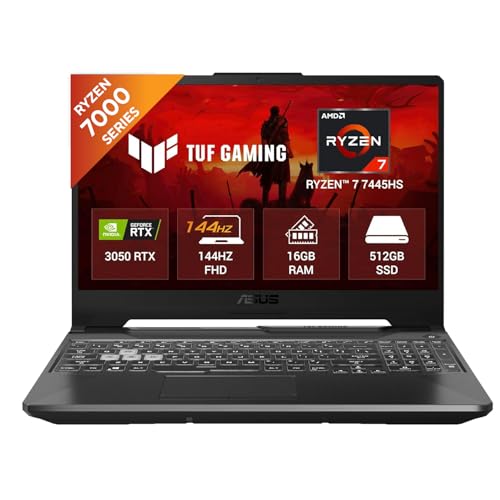
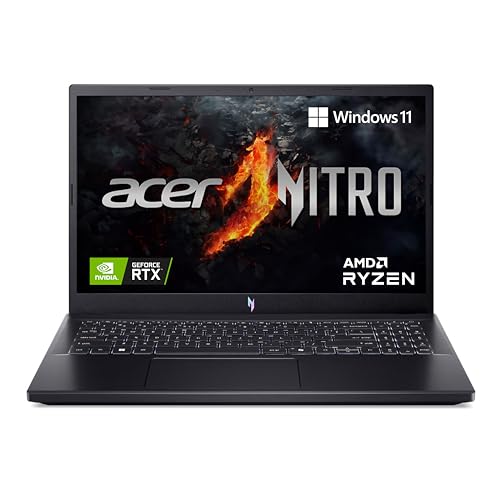
- Dedicated GPUs like NVIDIA RTX 4050/4060/5060
- High refresh rate (144Hz+)
- Advanced cooling systems
For General Use:
- Balanced specs
- Budget-friendly
- Good battery and display

Step 2: Choose the Right Operating System (OS)
Windows
- Versatile and widely compatible
- Best for gaming and business use
macOS (Apple)
- Smooth and optimized ecosystem
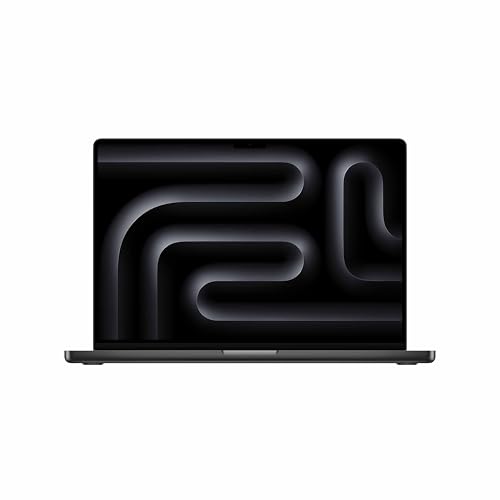
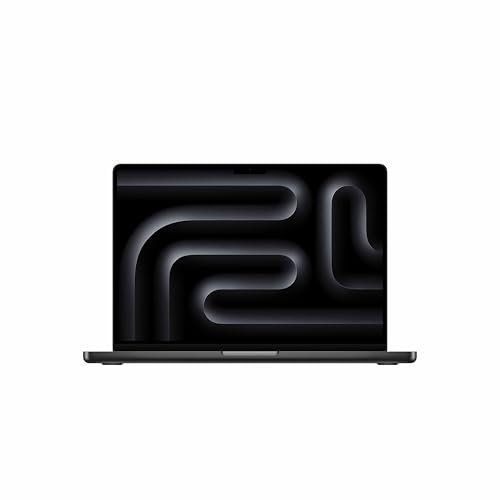
- Now powered by M-series (M2/M3/M5) and A-series chips
- Ideal for professionals and students
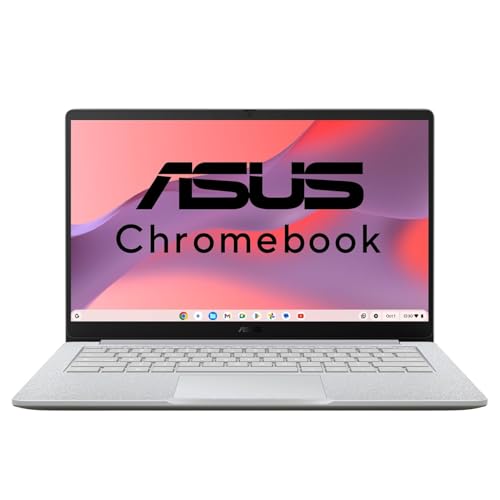
ChromeOS
- Lightweight and fast
- Best for online and cloud-based tasks


Step 3: Decide on Specifications
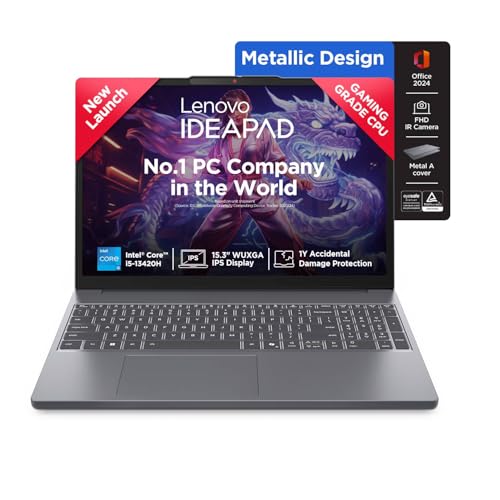
Processor (CPU):
- Intel Core Ultra (Series 1/2) → AI-ready, efficient, great for modern workloads
- AMD Ryzen AI 300 series → Strong performance + AI acceleration
- Apple Silicon (M5 / A18) → Excellent efficiency and ecosystem performance
👉 Tip:
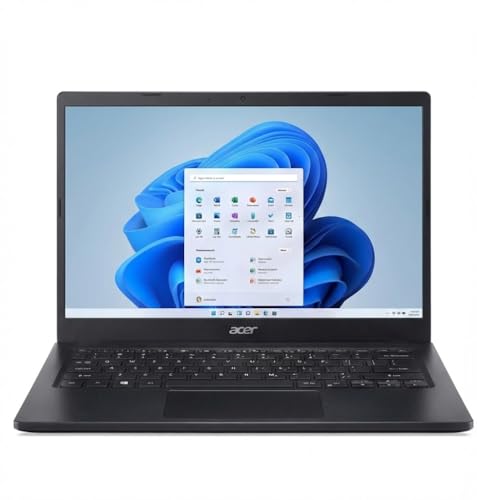
- Entry-level → Core i3 / Ryzen 3 / A-series
- Mid-range → Core Ultra 5 / Ryzen 5 / M-series
- High-end → Core Ultra 7/9 / Ryzen 7/9 / M5 Pro-level
RAM:
- 8GB → Minimum in 2026
- 16GB → Recommended for most users
- 32GB+ → For professionals and heavy workloads
Storage:
- SSD is a must (faster than HDD)
- 256GB → Basic use
- 512GB → Recommended
- 1TB+ → For creators and gamers
Graphics Card (GPU):
- Integrated → Everyday tasks
- Dedicated (RTX 4050/4060/5060) → Gaming & editing
- Apple GPU (M-series) → Optimized creative performance
Step 4: Select the Ideal Display
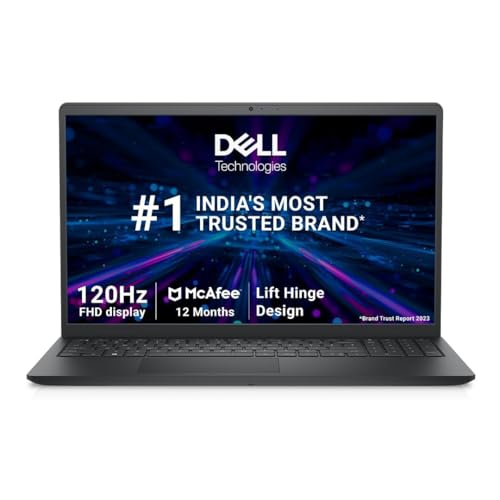
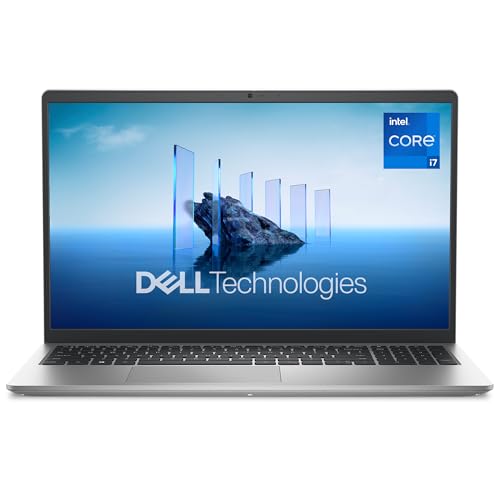
Size:
- 13–14 inches → Portable
- 15–16 inches → Balanced
- 16–17 inches → Gaming & creative work
Resolution:
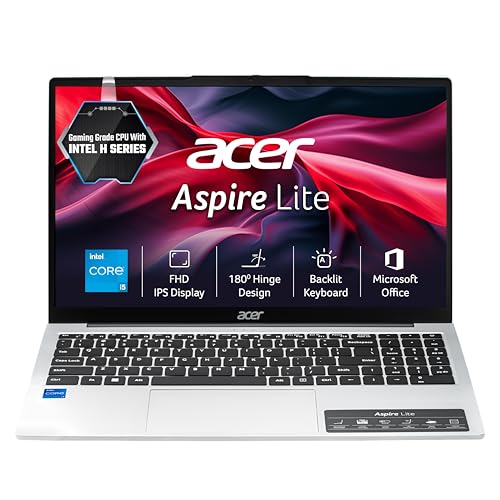
- Full HD → Standard
- 2K / 2.5K → Better clarity
- 4K / OLED → Premium visuals
Refresh Rate:
- 60Hz → Everyday use
- 120Hz–165Hz → Smooth experience
- 240Hz+ → Competitive gaming
Step 5: Battery Life
- 8+ hours → Ideal for students and professionals
- MacBooks and ARM-based laptops often deliver the best battery efficiency
- Gaming laptops → Lower battery backup
Step 6: Portability and Build Quality
Weight:
- Under 1.5 kg → Highly portable
- 1.5–2.5 kg → Balanced
- 2.5 kg+ → Gaming/workstation
Build:
- Metal chassis → Premium and durable
- Rugged laptops → For heavy use
Step 7: Connectivity Options
- USB-C / Thunderbolt
- USB-A
- HDMI
- Wi-Fi 6 / Wi-Fi 7
- Bluetooth 5.3+
Step 8: Budget and Brand Preferences
Budget Segments (India 2026):
- Under ₹30,000 → Entry-level / Chromebooks
- ₹30,000–₹60,000 → Students & general use
- ₹60,000–₹1,00,000 → Performance laptops
- ₹1,00,000+ → Premium / gaming / MacBooks
Trusted Brands:
- Reliability → Dell, HP, Lenovo
- Premium → Apple, ASUS
- Gaming → MSI, Acer

Step 9: Additional Features to Consider
AI Features (New in 2026):
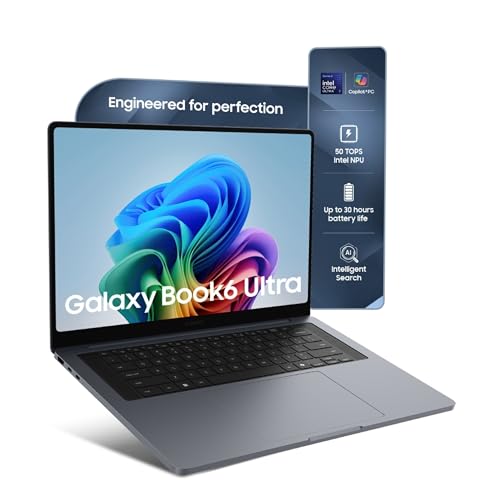
- Dedicated NPUs for AI tasks
- Copilot+ PCs and Apple Intelligence support
Keyboard & Trackpad:
- Backlit keyboard
- Comfortable typing experience
2-in-1 / Touchscreen:
- Useful for students and creatives
Webcam & Audio:
- 1080p or better webcam
- Clear speakers for meetings
Security:
- Fingerprint sensor
- Face unlock
Step 10: Warranty and Support
- Choose brands with strong service networks
- Look for an extended warranty or accidental damage protection
Conclusion
Choosing the perfect laptop in 2026 is all about balancing performance, portability, AI capabilities, and budget. With options ranging from budget A-series laptops to powerful M5 MacBooks and AI-driven Windows machines, there’s something for everyone.
Focus on your usage, pick the right specs, and invest in a device that will serve you reliably for years. Hope this ‘Guide to Choosing the Perfect Laptop’ was worth reading.
Explore these Curated Lists for your Guide to Choosing the Perfect Laptop
Best Selling Laptops under ₹20,000
Best Selling Laptops under ₹40,000
Best Selling Laptops under ₹90,000
Best Selling Laptops above ₹1,00,000
Disclosure: As an Amazon Associate, Virtual Studio earns from qualifying purchases. This comes at no additional cost to you and helps support our work.