Mini PCs are rapidly gaining popularity as versatile, compact alternatives to traditional desktop computers. These small yet powerful systems are designed to provide full desktop functionality without the bulk. Whether you’re looking for a space-saving solution, a home office PC, or a powerful media center, mini PCs can deliver great performance without taking up much room. In this blog, we will explore everything you need to know about mini PCs, their features, benefits, and why they might be the perfect choice for you.
What is a Mini PC?
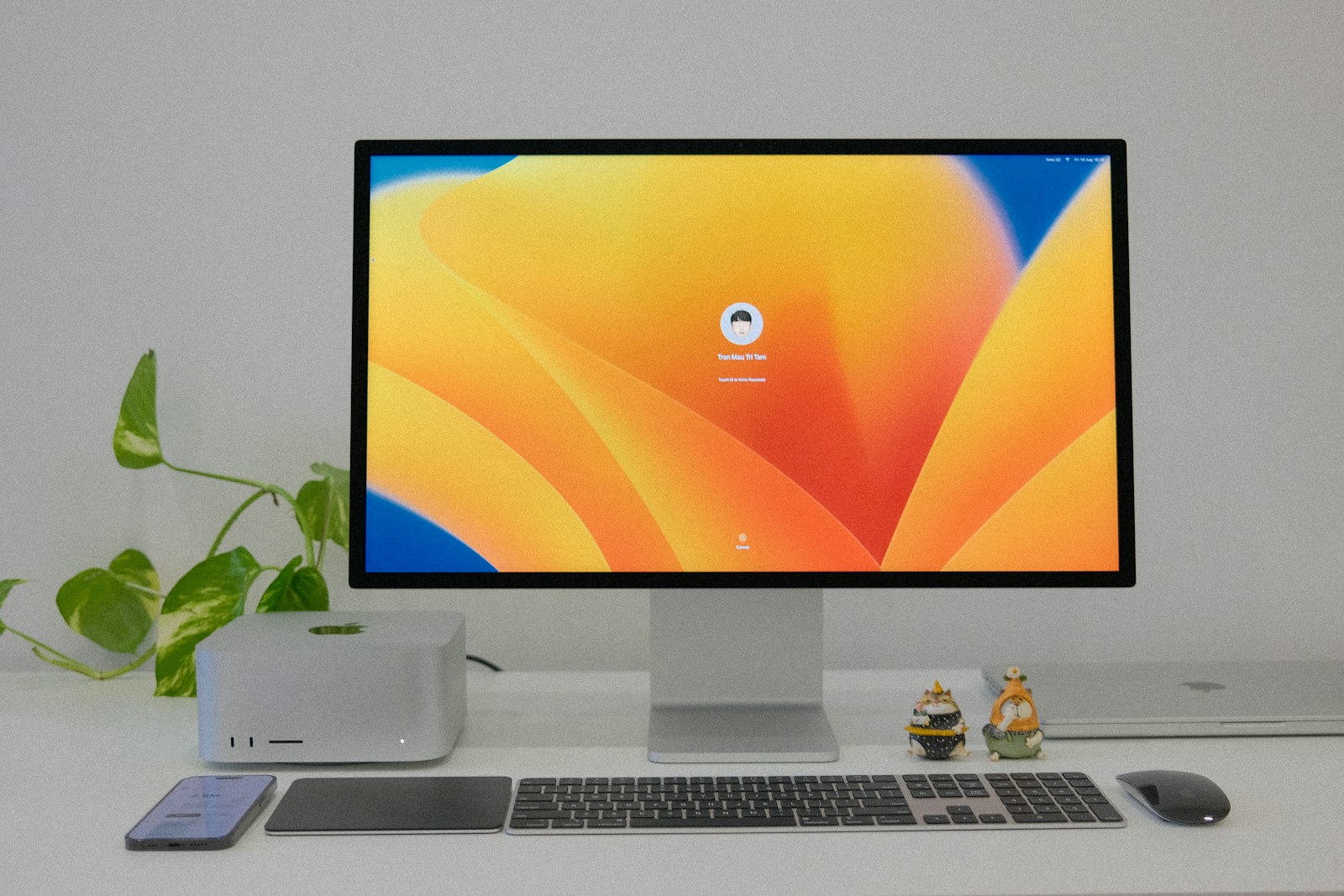
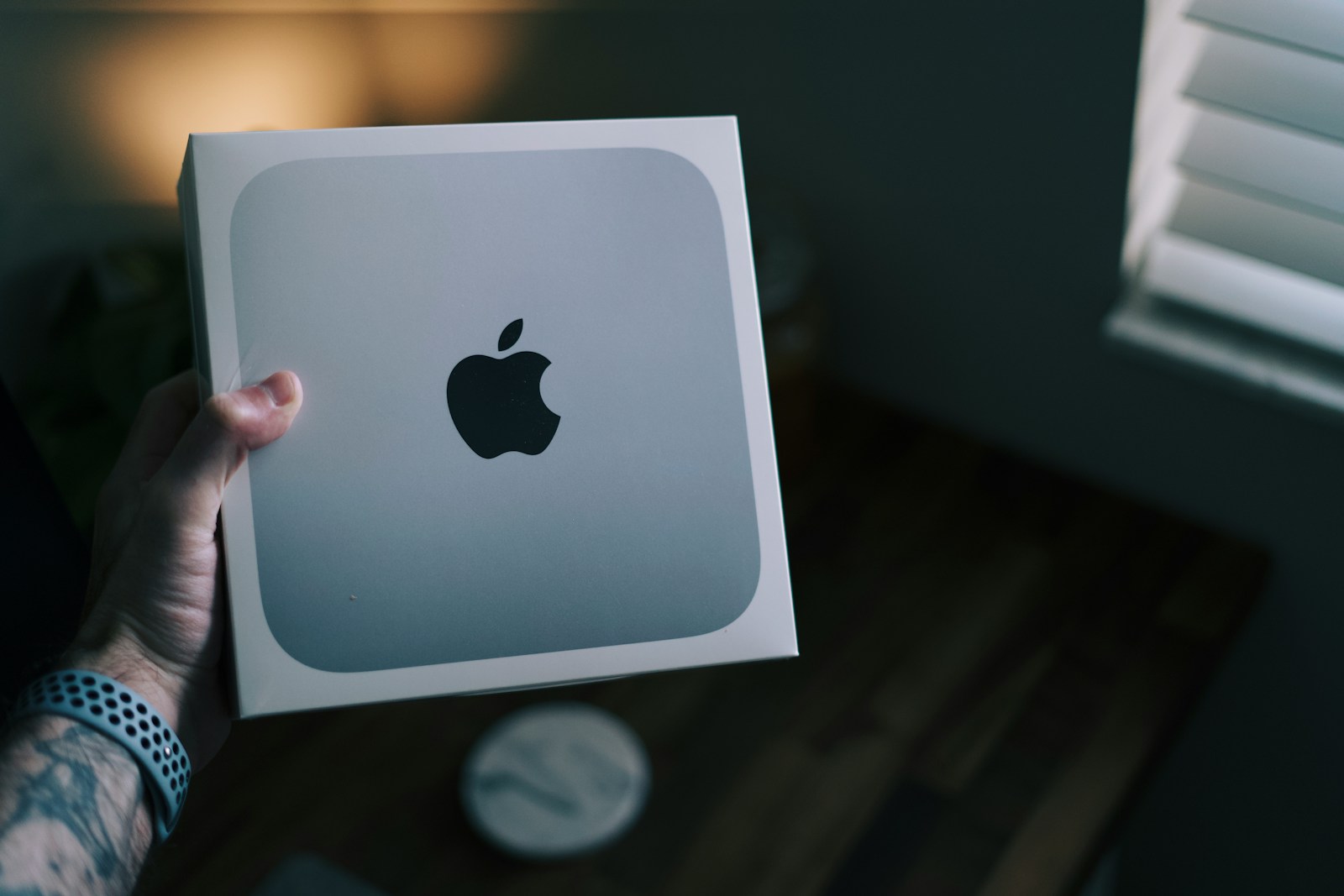
A mini PC is a compact, small-form-factor desktop computer that offers similar performance to traditional desktop systems. Unlike bulky tower PCs or all-in-one setups, mini PCs house all the essential components—CPU, RAM, storage, and ports—into a compact unit. Mini PCs are designed for users who need a functional computer but prefer a space-saving option. They typically connect to an external monitor, keyboard, and mouse and can handle everyday tasks, multimedia, and even light gaming.
Why Choose a Mini PC?
- Space-Saving Design:
- Mini PCs are extremely compact and take up far less desk space than traditional desktops or tower PCs.
- They can easily be placed on a desk, mounted behind a monitor, or hidden away in tight spaces.
- Energy Efficient:
- Mini PCs consume less power compared to full-sized desktop computers.
- Their energy-efficient components lead to lower electricity costs, making them environmentally friendly and economical.
- Affordable:
- Mini PCs are generally more affordable than traditional desktop PCs or high-performance laptops, especially when looking for basic computing tasks.
- They provide great value for the price when compared to high-end laptops or full desktop systems.
- Versatility and Connectivity:
- Despite their small size, mini PCs come with plenty of ports and connectivity options like USB, HDMI, Wi-Fi, Bluetooth, and Ethernet.
- Perfect for home offices, digital signage, or media centers, mini PCs can connect to a variety of devices.
- Quiet Operation:
- Due to their smaller components and efficient cooling systems, mini PCs are usually quieter than larger desktop systems.
- This makes them an excellent choice for environments where noise reduction is important, like home offices or living rooms.
Key Features to Look for in a Mini PC
- Processor (CPU):
- Look for Intel Core i3/i5/i7 or AMD Ryzen processors for balanced performance.
- Intel NUC (Next Unit of Computing) and Raspberry Pi are popular choices for mini PCs, offering different levels of performance based on the user’s needs.
- Graphics:
- Most mini PCs come with integrated graphics, which is sufficient for general tasks, media streaming, and light gaming.
- If you need more graphical power, you can find mini PCs with dedicated GPUs for gaming or creative work.
- Memory (RAM):
- 4GB to 8GB RAM is usually enough for basic computing tasks such as web browsing, word processing, and media consumption.
- For heavier workloads like video editing or light gaming, 16GB RAM is a better choice.
- Storage:
- Choose a mini PC with SSD storage for faster performance, especially when booting up or accessing files.
- Look for at least 256GB SSD for smooth multitasking. Some models offer hybrid storage options, including HDD for additional space.
- Operating System:
- Mini PCs typically come with Windows 10/11, but some systems run Linux or offer customizable OS installations for specific uses like media streaming or home theater systems.
- Ports and Connectivity:
- Check for essential ports like USB-C, HDMI, Ethernet, and SD card readers.
- Wi-Fi 6 and Bluetooth 5.0 are important for fast wireless communication.
- Cooling System:
- Mini PCs generally have passive cooling (fanless systems) or small active fans. While compact, ensure the system is designed to prevent overheating during extended use.
Advantages and Disadvantages of Mini PCs
Advantages:
- Space-Saving: Mini PCs can fit in tight spaces, making them perfect for small apartments, dorm rooms, or office setups.
- Portable: These systems are lightweight and easy to move or travel with.
- Energy-Efficient: Low power consumption translates to lower energy bills.
- Affordable: Mini PCs are generally more budget-friendly than full-size desktops or high-end laptops.
- Customizable: Some models allow upgrades to RAM, storage, or even GPU, giving you some flexibility as your needs change.
Disadvantages:
- Limited Performance: While mini PCs can handle most everyday tasks, they may struggle with more demanding activities such as high-end gaming or professional video editing.
- Limited Upgradeability: Due to their small size, upgrading a mini PC can be challenging compared to tower PCs.
Best Mini PCs to Consider
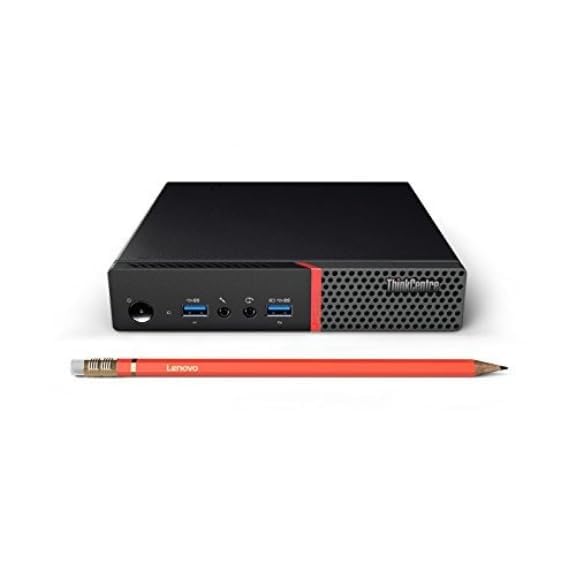
- Tested Quality: This product is professionally tested to work and look like new with minimal signs of wear & tear. The product comes with relevant accessories and is backed by a minimum one-month seller warranty. Box may be generic.
- Powerful Performance: Equipped with an InteI Core i5 6th Generation processor for smooth multitasking, office work, and everyday computing.
- Fast & Reliable Storage: Comes with 8GB RAM and a 256GB SSD, ensuring quick boot times, fast data access, and efficient performance.
- Compact Tiny Design: Ultra-small form factor saves desk space and is ideal for offices, retail counters, home setups, and workstations.
- Business-Ready OS: Pre-installed with Win 11 Pro, offering enhanced security and professional features for business use with Ms Office 2021.
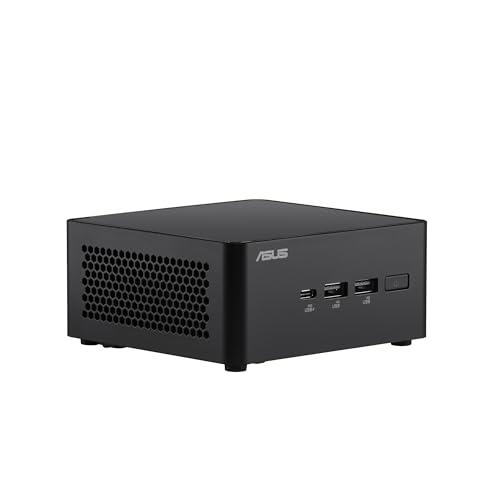
- Performance: Delivers best-in-class performance among comparable mini-PC offerings
- Manageability: Most comprehensive mini-PC with Intel vPro Enterprise* (Intel Core Ultra 3 165H/Core Ultra 5 135 H) for exceptional security, manageability, and stability
- AI Ready: Harnesses the prowess of Intel Core Ultra processors’ three AI engines for high throughput, low power, and fast response
- Wi-Fi Sensing: Takes advantage of Wi-Fi sensing to deliver instant availability while reducing power consumption
- Wireless Connectivity: Delivers seamless connectivity for certified Bluetooth dongle-free experiences
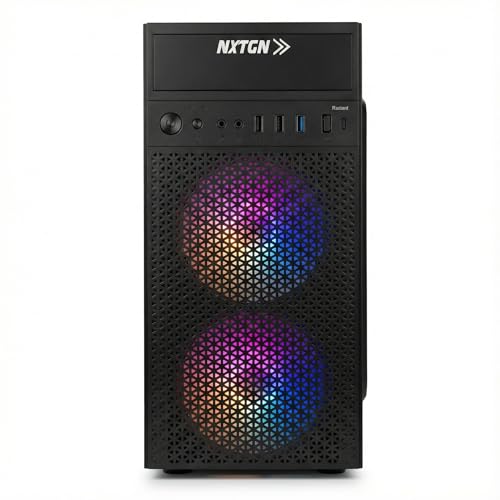
- 🚀 HIGH-SPEED PROCESSOR: Powered by a robust Core i7-4770 Quad-Core CPU with a base clock speed of 3.40GHz. This high-performance engine is designed to handle heavy office workloads, complex spreadsheets, and multitasking with ease, ensuring a lag-free experience for business and home use.
- ⚡ MULTITASKING RAM: Equipped with 16GB of premium memory to ensure smooth performance even when running multiple applications simultaneously. Whether you are browsing with dozens of tabs open or running heavy software, this RAM capacity prevents system slowdowns and bottlenecks.
- 💾 ULTRA-FAST SSD STORAGE: Features a 512GB Solid State Drive (SSD) that is up to 10x faster than traditional hard drives. Enjoy lightning-fast boot-up times (under 5-6 seconds), instant file transfers, and a responsive operating system that makes your daily tasks significantly more efficient.
- 🖥️ HD GRAPHICS SUPPORT: Integrated High-Definition Graphics ensure crisp and clear visuals for all your needs. Perfect for streaming high-quality video, dual-monitor setups, photo editing, and casual media consumption without the need for an expensive external graphics card.
- 📶 5G WIFI & BLUETOOTH: Stay connected wirelessly with the latest 5G Dual-Band Wi-Fi support for blazing-fast internet speeds without ethernet cables. The built-in Bluetooth connectivity allows you to easily pair wireless headphones, speakers, keyboards, and mice for a clutter-free desk.
Mini PCs vs. Traditional Desktops
| Feature | Mini PC | Traditional Desktop |
| Size | Ultra-compact and lightweight. | Bulky, requires more space. |
| Performance | Suitable for everyday tasks and light gaming. | More powerful, ideal for demanding tasks. |
| Customization | Limited to RAM and storage upgrades. | Highly customizable. |
| Portability | Extremely portable and easy to move. | Stationary and non-portable. |
| Energy Efficiency | Low power consumption. | Higher energy consumption. |
Conclusion
Mini PCs are the perfect solution for those seeking compact, affordable, and efficient desktop alternatives. Whether for home offices, media centers, or simple computing tasks, these small-form-factor computers can deliver powerful performance without taking up much space. While they may not rival tower PCs in terms of raw power, their space-saving design, energy efficiency, and versatility make them a popular choice for many users.
Disclosure: As an Amazon Associate, Virtual Studio earns from qualifying purchases. This comes at no additional cost to you and helps support our work.